Updated on February 13, 2026, by OpenEDR
What is network operating software, and why does it matter so much in modern IT environments? If your organization relies on servers, cloud platforms, connected devices, or remote users, the answer directly affects your performance, uptime, and security posture.
Today’s businesses run on networks. From cloud applications to on-prem servers, everything depends on reliable communication between devices. But without the right system managing those connections, networks become slow, insecure, and difficult to scale.
In this guide, we’ll explain what is network operating software, how it works, its core features, security implications, and why IT managers, cybersecurity teams, and business leaders should prioritize it.
What Is Network Operating Software?
At its core, network operating software (often called a Network Operating System or NOS) is specialized software that manages network resources, users, devices, and security policies across multiple systems.
Unlike a traditional operating system that runs on a single device, network operating software controls and coordinates multiple computers, servers, and endpoints within a network.
In simple terms, if an operating system runs your computer, network operating software runs your network.
Why Network Operating Software Matters in Modern IT
Before diving deeper into what is network operating software, consider this: most cyberattacks exploit weak network controls, misconfigurations, or unmanaged devices.
Network operating software plays a critical role in:
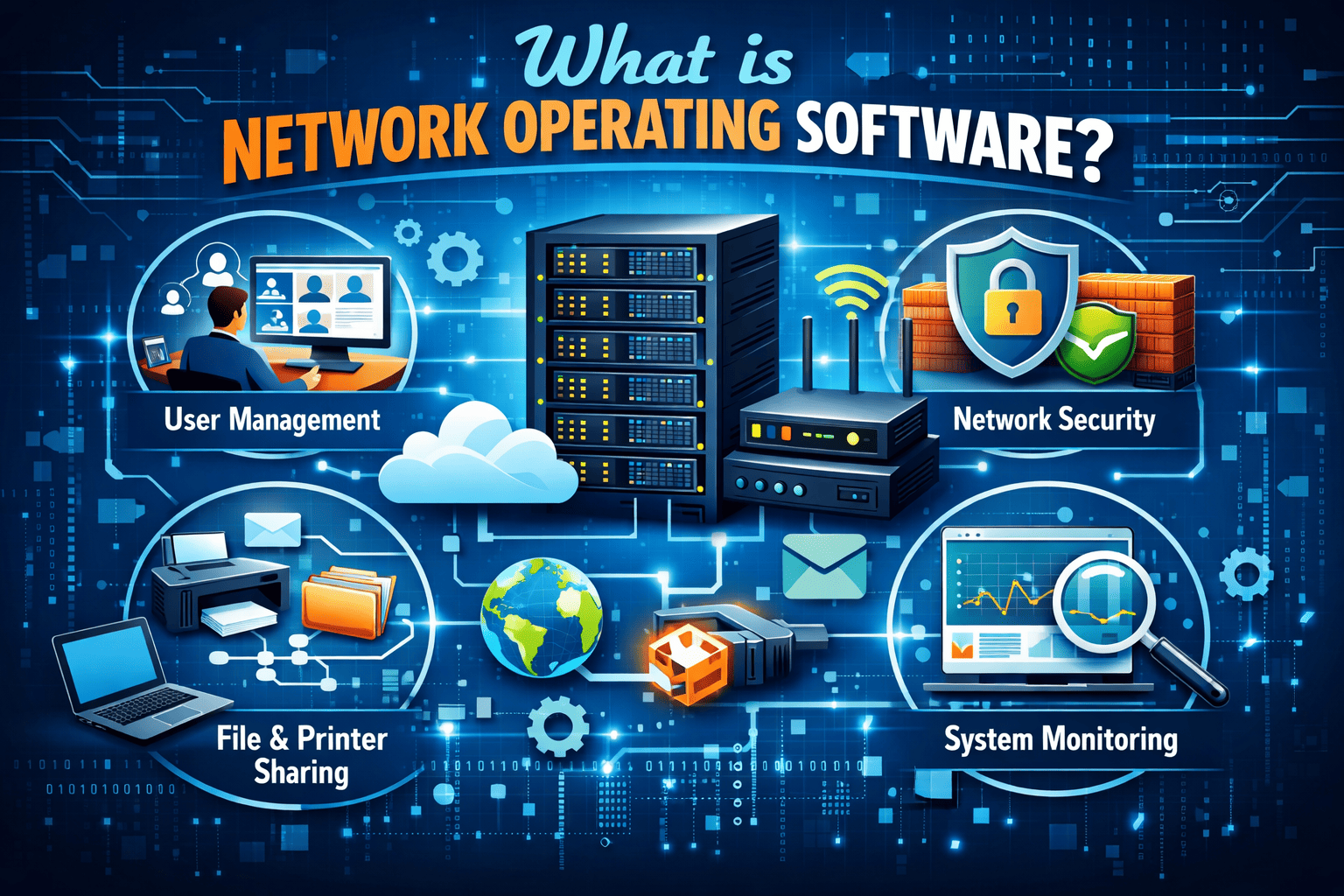
Managing user authentication
Controlling device access
Sharing files and printers
Monitoring network traffic
Enforcing security policies
Supporting remote access
For IT managers and CEOs, this means better visibility, stronger security, and smoother operations.
How Network Operating Software Works
To understand what is network operating software, it helps to look at its functional components.
1. Centralized User Management
Network operating software allows administrators to:
Create and manage user accounts
Assign permissions and access rights
Enforce password policies
Control group-based access
This centralized identity management reduces errors and improves compliance.
2. Resource Sharing and File Services
One major purpose of network operating software is to enable:
File sharing across departments
Printer access control
Storage management
Server resource allocation
Without a NOS, sharing resources across an organization becomes inefficient and insecure.
3. Security and Access Control
Cybersecurity professionals must pay close attention to this aspect.
Modern network operating software includes:
Authentication protocols
Role-based access control (RBAC)
Encryption support
Firewall integration
Intrusion detection compatibility
Strong network operating software reduces attack surfaces and blocks unauthorized access.
4. Network Monitoring and Performance Management
IT teams rely on network operating software to:
Monitor bandwidth usage
Detect unusual traffic patterns
Identify bottlenecks
Ensure uptime
Proactive monitoring prevents costly downtime and performance failures.
Key Features of Network Operating Software
If you’re evaluating solutions, look for these essential features:
Scalability
Your network operating software should grow with your organization.
Multi-User Support
It must handle multiple simultaneous connections securely.
Directory Services
Centralized directories (like Active Directory) manage users and devices efficiently.
Remote Access Capabilities
Secure remote connectivity is critical in hybrid and remote work environments.
Security Integration
Support for endpoint security tools, antivirus systems, and intrusion detection platforms is vital.
Types of Network Operating Software
When discussing what is network operating software, it’s important to understand the main types available.
Peer-to-Peer Network Operating Systems
No dedicated server
Devices share resources directly
Suitable for small environments
Client-Server Network Operating Systems
Centralized server control
Stronger security
Better scalability
Ideal for enterprises
For IT managers and cybersecurity leaders, client-server architecture typically offers stronger governance and protection.
Network Operating Software vs. Traditional Operating Systems
Many executives ask: Isn’t this just another operating system?
Not quite.
A traditional OS:
Manages one computer
Controls hardware and local applications
Network operating software:
Manages multiple systems
Controls network-wide access
Enforces centralized security policies
Coordinates communication between devices
In enterprise environments, both systems work together.
The Role of Network Operating Software in Cybersecurity
For cybersecurity professionals, understanding what is network operating software is critical.
Here’s why.
Attack Surface Reduction
Network operating software controls who accesses what. This reduces exposure to:
Unauthorized login attempts
Privilege escalation
Lateral movement attacks
Identity and Access Management
Strong NOS platforms integrate with:
Multi-Factor Authentication (MFA)
Single Sign-On (SSO)
Identity Threat Detection and Response (ITDR)
Compliance Support
Industries like healthcare, finance, and retail require:
Audit logs
Access tracking
Data protection policies
Network operating software simplifies compliance enforcement.
Benefits for IT Managers and Business Leaders
Improved Operational Efficiency
Centralized control reduces manual processes and configuration errors.
Better Visibility
Administrators can monitor user activity and network performance in real time.
Enhanced Security Posture
Integrated security controls strengthen protection against cyber threats.
Cost Savings
Efficient network management lowers downtime and IT overhead.
Common Challenges with Network Operating Software
Even the best systems require proper management.
Common issues include:
Misconfigured permissions
Outdated software versions
Weak password policies
Inadequate monitoring
To avoid these risks:
Conduct regular audits
Update software promptly
Enforce least privilege access
Integrate advanced security tools
How to Choose the Right Network Operating Software
If you’re deciding what is network operating software best suited for your business, consider the following:
Industry Requirements
Different industries require specific compliance standards.
Organization Size
Small businesses may need simpler solutions, while enterprises require advanced scalability.
Security Needs
Ensure the solution integrates with endpoint detection, firewall management, and cloud security platforms.
Hybrid and Cloud Compatibility
Modern businesses require support for:
On-prem infrastructure
Cloud environments
Remote work setups
Best Practices for Managing Network Operating Software
To maximize value:
1. Implement Least Privilege Access
Users should only access what they need.
2. Monitor Network Activity Continuously
Use logging and threat detection tools.
3. Enforce Multi-Factor Authentication
This significantly reduces credential-based attacks.
4. Keep Software Updated
Patch vulnerabilities promptly.
5. Conduct Security Training
Human error remains a major vulnerability.
The Future of Network Operating Software
As businesses move toward cloud-first strategies and Zero Trust architectures, network operating software continues to evolve.
Emerging trends include:
AI-driven network monitoring
Automated policy enforcement
Integration with XDR platforms
Enhanced identity-based controls
For IT leaders and CEOs, investing in modern network operating software ensures resilience and scalability.
Frequently Asked Questions (FAQ)
1. What is network operating software used for?
Network operating software manages users, devices, resources, and security policies across multiple systems within a network.
2. How does network operating software improve cybersecurity?
It enforces centralized access controls, monitors traffic, integrates with security tools, and reduces unauthorized access risks.
3. Is network operating software necessary for small businesses?
Yes. Even small organizations benefit from centralized user management, secure file sharing, and improved visibility.
4. What is the difference between a network operating system and a regular OS?
A regular OS manages one device, while network operating software manages multiple connected devices and enforces network-wide policies.
5. Can network operating software support cloud environments?
Yes. Modern solutions support hybrid, cloud, and on-prem environments.
Final Thoughts: Secure Your Network the Right Way
Now that you understand what is network operating software, it’s clear that it forms the backbone of modern IT infrastructure. It ensures secure communication, centralized control, and efficient operations across your organization.
However, even the strongest network management system needs advanced endpoint and threat protection to defend against evolving cyber risks.
If you’re ready to strengthen your network security and protect your organization from modern threats—
👉 Get started today:
https://openedr.platform.xcitium.com/register/
Secure your network. Protect your business. Stay ahead of threats.

 Loading...