Updated on November 11, 2025, by OpenEDR
Ever had a hard drive fail or a ransomware attack corrupt your systems overnight?
That’s where cloning software becomes your best ally — a tool that can duplicate entire drives, operating systems, and configurations in minutes.
In the age of cyberattacks, secure data replication isn’t just about convenience — it’s about business continuity and disaster recovery. For IT managers and cybersecurity experts, cloning software ensures that systems can be restored quickly and safely.
In this article, we’ll explore:
What cloning software is and how it works
The role it plays in data protection and cyber resilience
The best practices for secure system cloning in enterprise environments
What Is Cloning Software?
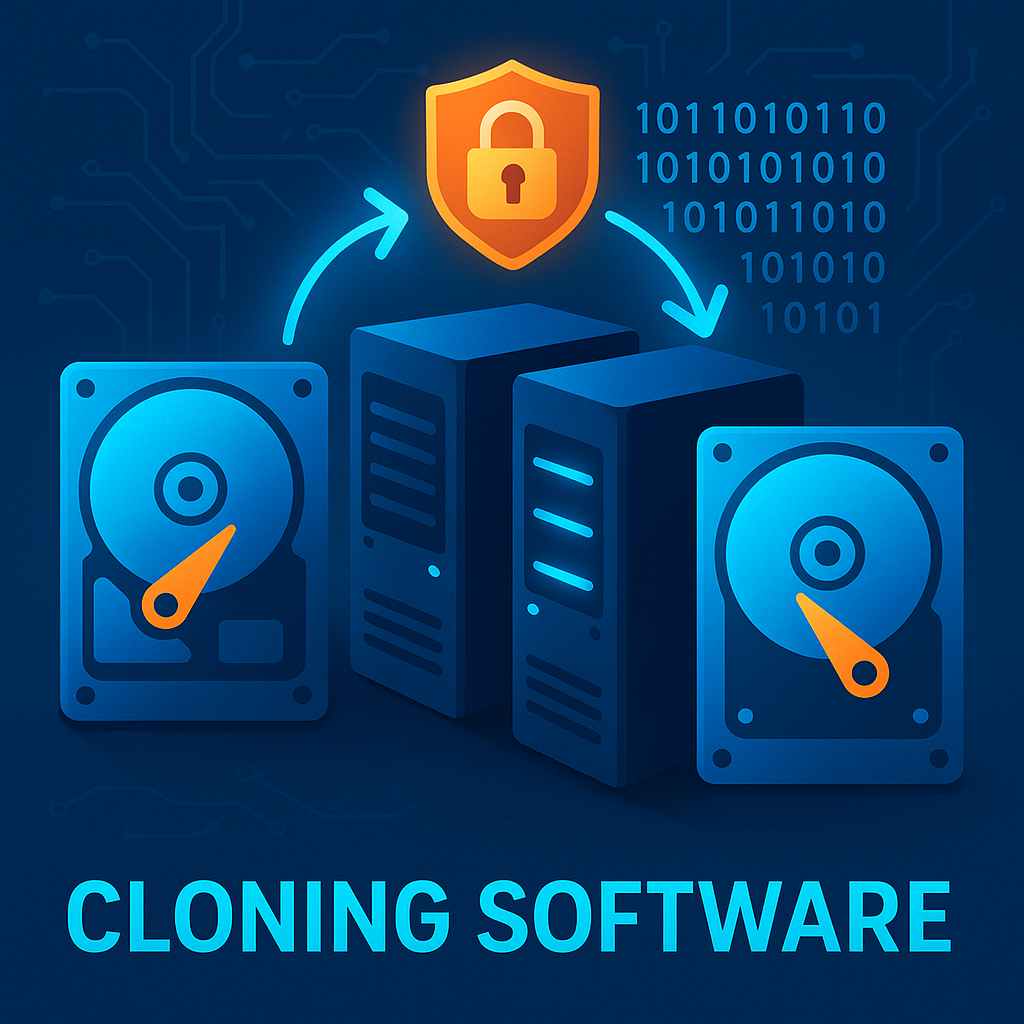
Cloning software is a data replication tool that creates an exact, bit-by-bit copy of a computer’s storage drive or partition. Unlike basic backup tools that only copy files, cloning software duplicates the entire system, including the OS, boot files, applications, and configurations.
This means you can instantly restore a system after a hardware failure, cyberattack, or migration — without reinstalling or reconfiguring anything.
Examples:
Acronis Cyber Protect
Clonezilla
Macrium Reflect
Paragon Hard Disk Manager
How Does Cloning Software Work?
The cloning process involves:
Scanning the Source Drive: The software identifies all sectors on the original disk.
Creating a Binary Copy: It duplicates both used and unused sectors.
Deploying the Clone: The exact image is transferred to another drive or virtual machine.
Verification: Data integrity checks ensure that no corruption or tampering occurred during cloning.
This process enables seamless recovery or mass deployment of identical systems, which is vital in large-scale IT environments.
Cloning Software vs. Backup Software
| Feature | Cloning Software | Backup Software |
|---|---|---|
| Scope | Duplicates entire drive/system | Copies selected files or folders |
| Speed | Faster for full restoration | Slower but flexible |
| Storage | Requires equal or greater disk space | Can use compressed archives |
| Use Case | System migration, disaster recovery | Regular backups, data versioning |
Why Cloning Software Is Crucial for Cybersecurity
In cybersecurity, data availability and integrity are as critical as prevention. Cloning software strengthens your defense strategy in several ways:
1. Protection Against Ransomware Attacks
If your systems are encrypted by ransomware, having a secure system clone allows you to restore operations immediately — without paying the ransom.
2. Disaster Recovery
Clones can be deployed instantly in case of hardware failures, natural disasters, or insider sabotage.
3. Testing and Threat Simulation
Cybersecurity teams often use cloned environments to safely test patches, malware behavior, or penetration tests without risking live systems.
4. Incident Response Acceleration
With cloned images, analysts can forensically examine compromised systems in isolated environments to trace attack vectors.
Top Features to Look for in Enterprise Cloning Software
Encryption Support – Protects cloned images from unauthorized access.
Incremental Cloning – Saves time by updating only changed sectors.
Network Deployment – Allows IT teams to push images over secure LAN/WAN.
Virtualization Compatibility – Enables cloning directly into virtual machines (VMs).
Cross-Platform Support – Supports Windows, Linux, macOS, and hybrid systems.
Centralized Management Console – Essential for large enterprise environments.
Cybersecurity Risks in Using Cloning Software
Even powerful tools can be exploited if misused. Here are common threats:
| Risk | Description | Mitigation |
|---|---|---|
| Unauthorized Access | Cloned images may contain sensitive credentials | Encrypt and store clones in secure servers |
| Malware Propagation | Infected source disks clone malware too | Scan before cloning |
| Outdated Security Patches | Old system images can reintroduce vulnerabilities | Maintain updated master clones |
| Data Leakage | Clones on unsecured drives can be stolen | Use data loss prevention tools and encryption |
How to Securely Clone Systems in a Corporate Environment
Follow these best practices:
🔒 Use Encrypted Storage: Always encrypt clones at rest and in transit.
🧩 Verify Image Integrity: Perform hash checks (SHA-256) after cloning.
🧱 Restrict Access: Limit cloning permissions to authorized admins.
🧠 Integrate with EDR Tools: Use endpoint detection systems like Xcitium OpenEDR to monitor cloning activities.
🔄 Update Regularly: Refresh cloned images monthly with latest patches.
Use Cases: How Enterprises Utilize Cloning Software
1. Disaster Recovery Planning
Organizations create master system clones stored offsite to ensure recovery during outages or cyber incidents.
2. Mass System Deployment
IT departments use cloning software to roll out identical system configurations across hundreds of devices efficiently.
3. Cyber Forensics
Security teams clone drives for forensic investigation without altering original evidence.
4. Ransomware Defense
Encrypted backups and clones can restore infrastructure in minutes after an attack.
Popular Cloning Software Solutions
1. Clonezilla
An open-source tool for advanced IT users that supports encryption, multicasting, and partition cloning.
2. Acronis Cyber Protect
Combines cloning, backup, and anti-malware protection — ideal for enterprises.
3. EaseUS Todo Backup
A user-friendly solution that supports cloning, migration, and disk imaging.
4. Macrium Reflect
Offers incremental cloning and secure recovery for Windows environments.
Integrating Cloning Software with Cybersecurity Tools
Modern organizations integrate cloning solutions with:
SIEM Systems (Security Information and Event Management): Tracks cloning activity logs.
EDR Platforms: Detects unauthorized duplication attempts.
Zero Trust Frameworks: Ensures continuous authentication before clone access.
By combining these tools, businesses can ensure cloning is part of a broader, layered security strategy.
Future of Cloning Software in Cybersecurity
The evolution of cloning software is heading toward AI-powered automation and blockchain verification.
Emerging trends include:
AI-driven threat detection: Identifying anomalies during the cloning process.
Blockchain-based data validation: Ensuring clone authenticity and tamper-proof logs.
Cloud-native cloning tools: Enabling seamless replication in hybrid environments.
Conclusion
In today’s fast-paced digital world, cloning software is no longer a luxury — it’s a cyber resilience necessity.
From ransomware recovery to forensic investigation, these tools empower organizations to maintain uptime and integrity.
When combined with next-gen cybersecurity platforms like Xcitium OpenEDR, cloning software becomes a powerful shield against data loss, system downtime, and security breaches.
🔐 Secure your infrastructure today.
👉 Register for Xcitium OpenEDR to integrate advanced endpoint security with system cloning solutions.
FAQs About Cloning Software
1. What is cloning software used for?
It’s used to create exact copies of entire systems, including OS, files, and configurations, for recovery or deployment.
2. Is cloning software secure?
Yes, if you encrypt clones, limit access, and use updated software integrated with cybersecurity tools.
3. Can cloning software help in ransomware recovery?
Absolutely. Clones can instantly restore infected systems without data loss.
4. What’s the difference between cloning and imaging?
Cloning copies an entire drive directly, while imaging creates a compressed file of the drive’s contents.
5. Which cloning software is best for enterprises?
Acronis Cyber Protect and Clonezilla are among the best options for large-scale, security-focused environments.

 Loading...