Updated on June 15, 2026, by OpenEDR
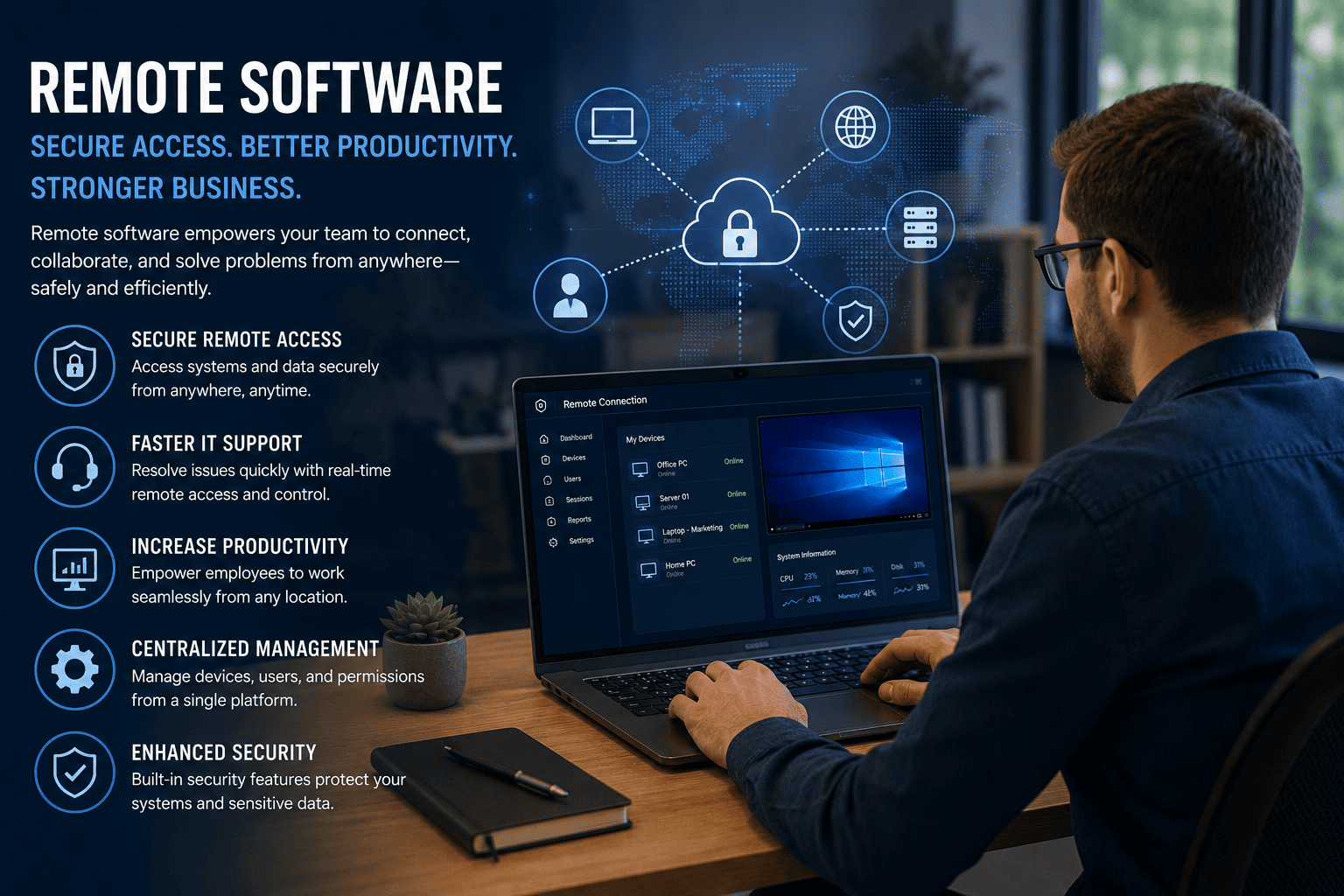
Businesses today are no longer confined to a single office location. Employees work from home, travel frequently, and collaborate across multiple time zones. As a result, organizations need reliable ways to access, manage, and support systems remotely. This is where remote software has become an essential business tool.
Whether you’re an IT manager overseeing hundreds of endpoints, a CEO leading a distributed workforce, or a cybersecurity professional protecting company assets, the right remote software can improve efficiency while maintaining security. However, not all remote access solutions are created equal. Organizations must balance productivity, user experience, and cybersecurity risks when implementing remote software.
In this guide, we’ll explore what remote software is, how it works, its business benefits, security considerations, and best practices for successful deployment.
What Is Remote Software?
Remote software refers to applications and platforms that allow users to access, control, manage, or support computers and devices from a different location through a network connection.
Remote software enables employees, IT administrators, and support teams to interact with systems as if they were physically present. These solutions are commonly used for remote work, technical support, system administration, monitoring, and troubleshooting.
Modern remote software often includes features such as:
- Secure remote access
- File sharing and transfer
- Multi-device management
- Real-time collaboration
- Session recording
- Endpoint monitoring
- Multi-factor authentication (MFA)
As organizations embrace hybrid and remote work models, remote software has become a critical component of digital transformation strategies.
Why Businesses Depend on Remote Software
Remote work has fundamentally changed how organizations operate. Employees need uninterrupted access to business resources regardless of location.
Here are some of the main reasons companies rely on remote software:
Increased Workforce Flexibility
Employees can securely connect to office systems from home, customer sites, or while traveling. This flexibility improves productivity and supports business continuity.
Faster IT Support
IT teams can diagnose and resolve issues without physically visiting devices. This reduces downtime and improves employee satisfaction.
Reduced Operational Costs
Organizations can lower travel expenses, reduce onsite support requirements, and optimize IT resources by using remote software.
Improved Business Continuity
Unexpected disruptions such as severe weather, power outages, or public health emergencies can impact office operations. Remote software ensures employees remain productive regardless of circumstances.
Key Benefits of Remote Software
The adoption of remote software offers advantages across multiple departments.
Enhanced Productivity
Employees gain access to files, applications, and resources whenever they need them. Work continues without interruption, even when teams are geographically distributed.
Centralized Management
IT administrators can manage systems from a single dashboard, reducing complexity and improving operational efficiency.
Faster Incident Resolution
Technical issues can be addressed immediately through remote access rather than waiting for onsite assistance.
Better Customer Support
Support teams can remotely troubleshoot customer devices, leading to faster resolutions and improved customer experiences.
Scalability
As businesses grow, remote software enables organizations to support more users and devices without significantly increasing support costs.
Security Challenges Associated with Remote Software
While remote software provides numerous benefits, it can also introduce cybersecurity risks if not properly managed.
Organizations should understand the following security concerns:
Unauthorized Access
Weak credentials or compromised accounts can provide attackers with access to critical systems.
Phishing Attacks
Cybercriminals often target remote workers through phishing campaigns designed to steal login credentials.
Unsecured Networks
Employees connecting from public Wi-Fi or unsecured home networks may expose sensitive information.
Insider Threats
Employees with excessive privileges can accidentally or intentionally misuse access rights.
Vulnerable Endpoints
Unpatched devices can become entry points for cybercriminals attempting to access corporate environments.
Because of these risks, organizations must implement robust security measures alongside remote software deployments.
Best Practices for Secure Remote Software Deployment
Successful implementation requires more than simply installing a remote access solution.
1. Enable Multi-Factor Authentication (MFA)
MFA adds an extra layer of protection beyond passwords and significantly reduces the risk of unauthorized access.
2. Follow the Principle of Least Privilege
Users should only receive access to the systems and resources necessary to perform their job functions.
3. Keep Systems Updated
Regular patching helps eliminate known vulnerabilities that attackers frequently exploit.
4. Monitor Remote Sessions
Continuous monitoring provides visibility into user activity and helps identify suspicious behavior.
5. Encrypt Data in Transit
Secure encryption protects sensitive information during remote connections.
6. Train Employees Regularly
Security awareness training helps employees recognize phishing attempts and other cyber threats.
7. Implement Endpoint Protection
Advanced endpoint security solutions help detect and contain malware before it spreads across the network.
How Remote Software Supports Cybersecurity Teams
Cybersecurity professionals increasingly depend on remote software to protect modern IT environments.
Remote Threat Investigation
Security teams can analyze suspicious activity across distributed endpoints without requiring physical access.
Rapid Incident Response
Remote software enables teams to isolate infected systems, investigate threats, and implement remediation measures quickly.
Continuous Monitoring
Administrators can monitor devices, applications, and network activity regardless of user location.
Vulnerability Management
Remote software simplifies vulnerability scanning, patch deployment, and security updates across large environments.
These capabilities improve organizational resilience and help reduce the impact of cyber incidents.
Choosing the Right Remote Software for Your Organization
Not all solutions offer the same level of functionality or security.
When evaluating remote software, consider the following:
- Security features and encryption standards
- Multi-factor authentication support
- Ease of deployment
- Scalability
- Cross-platform compatibility
- Compliance requirements
- Reporting and auditing capabilities
- Integration with existing security tools
Organizations should select solutions that align with both operational needs and cybersecurity objectives.
Future Trends in Remote Software
Remote software continues to evolve as organizations embrace digital workplaces.
Several emerging trends are shaping the future:
AI-Powered Support
Artificial intelligence is helping automate troubleshooting and improve support efficiency.
Zero Trust Integration
Many remote software providers are adopting Zero Trust security models that continuously verify users and devices.
Cloud-Based Management
Cloud-native platforms simplify deployment, management, and scalability.
Enhanced Endpoint Visibility
Advanced analytics provide deeper insights into endpoint health, user activity, and security posture.
Businesses that embrace these innovations will be better positioned to support distributed workforces while maintaining strong security controls.
Conclusion
Remote software has become an essential technology for modern organizations. It enables employees to work efficiently from anywhere, allows IT teams to provide faster support, and helps businesses maintain operational continuity. However, security must remain a top priority.
By implementing best practices such as multi-factor authentication, endpoint protection, continuous monitoring, and employee training, organizations can maximize the benefits of remote software while minimizing risk.
As remote work continues to expand, investing in secure and scalable remote software solutions will be critical for long-term business success.
Frequently Asked Questions
What is remote software used for?
Remote software allows users to access, manage, and support computers and devices from another location through a secure network connection.
Is remote software secure?
Yes, remote software can be secure when organizations implement encryption, multi-factor authentication, endpoint protection, and access controls.
Who uses remote software?
IT administrators, support teams, cybersecurity professionals, remote employees, managed service providers, and business leaders commonly use remote software.
What are the benefits of remote software?
Remote software improves productivity, reduces downtime, lowers operational costs, enhances IT support capabilities, and supports business continuity.
How can organizations secure remote software?
Organizations should use strong authentication, monitor remote sessions, keep systems updated, enforce least-privilege access, and deploy advanced endpoint protection.
Ready to Strengthen Your Remote Security Strategy?
Protect your workforce, secure remote access, and gain greater visibility into your endpoints with modern cybersecurity solutions.
Get started today: https://openedr.platform.xcitium.com/register/

 Loading...