Updated on January 8, 2026, by OpenEDR
How secure are your systems right now? In a world where cyberattacks happen every 39 seconds, password protection remains the first—and often weakest—line of defense. Despite advancements in biometrics and zero-trust models, stolen or weak passwords are still responsible for over 80% of data breaches worldwide.
For IT managers, cybersecurity teams, and business leaders, password protection is no longer a basic IT task—it’s a business-critical security strategy. A single compromised credential can expose sensitive data, disrupt operations, and damage brand trust overnight.
In this guide, we’ll break down what password protection really means, why it’s essential, common risks, modern best practices, and how organizations can build a resilient password strategy that stands up to today’s threat landscape.
What Is Password Protection?
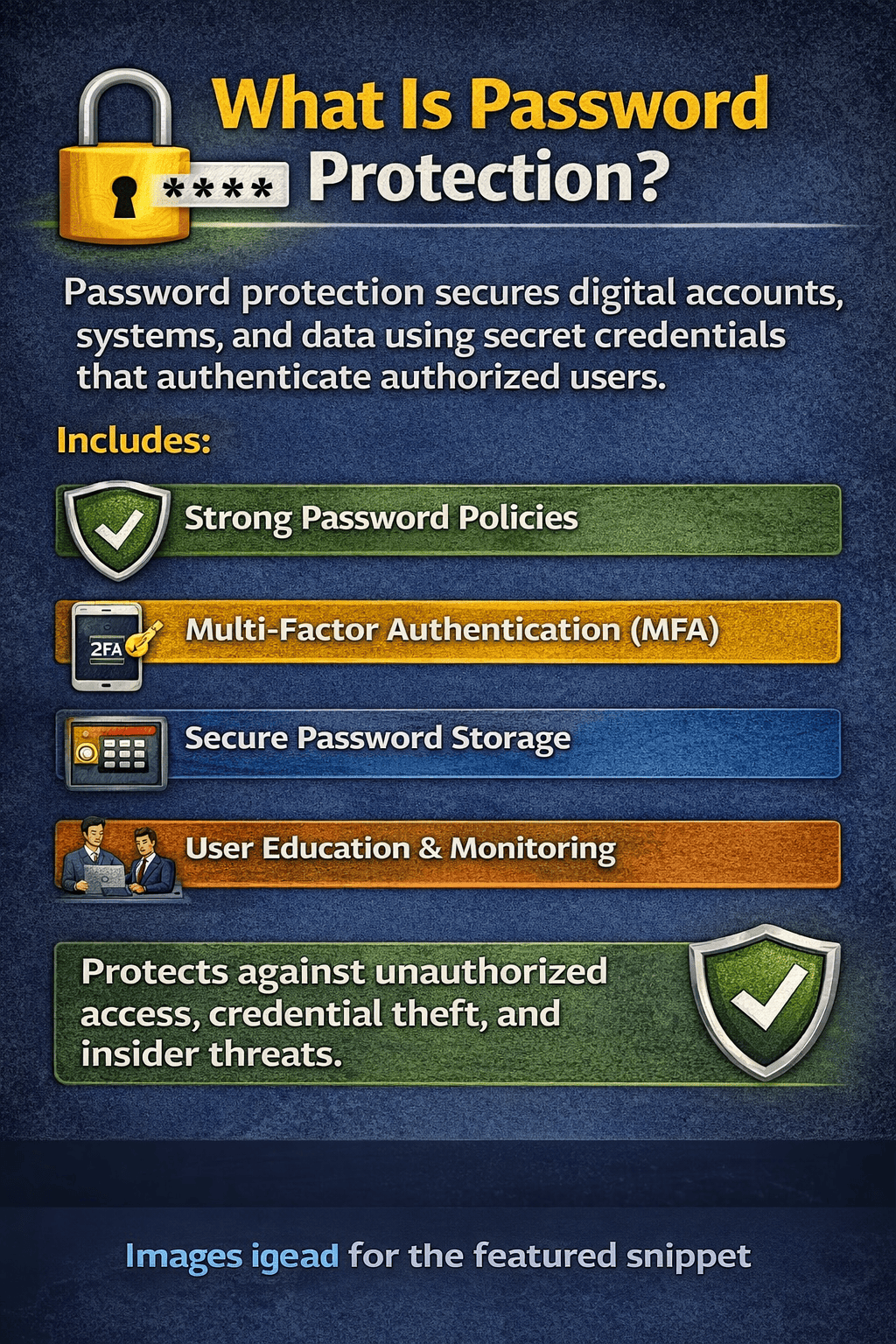
Password protection is the practice of securing digital accounts, systems, applications, and data using secret credentials that authenticate authorized users. At its core, it ensures that only verified individuals can access sensitive resources.
However, modern password protection goes far beyond simply creating a login password. It includes:
Strong password creation policies
Secure password storage and hashing
Multi-factor authentication (MFA)
Access control and monitoring
User education and enforcement
When implemented correctly, password protection acts as a powerful barrier against unauthorized access, credential theft, and insider threats.
Why Password Protection Is Critical for Businesses
Weak or poorly managed passwords remain one of the most exploited vulnerabilities across industries. Cybercriminals don’t “hack” systems—they log in.
Key Reasons Password Protection Is Essential
Prevents unauthorized access to critical systems and data
Reduces breach risk from phishing and credential stuffing attacks
Protects intellectual property and customer data
Supports regulatory compliance (GDPR, HIPAA, ISO 27001)
Maintains business continuity and brand trust
For CEOs and founders, password protection directly impacts financial risk, reputation, and operational resilience.
Common Password Protection Threats You Should Know
Understanding the risks is the first step toward improving password protection.
1. Weak and Reused Passwords
Employees often reuse passwords across multiple platforms. A single breach can cascade into multiple compromised systems.
2. Phishing Attacks
Attackers trick users into revealing credentials through fake emails, websites, or messages that appear legitimate.
3. Credential Stuffing
Stolen username-password pairs from one breach are automatically tested against other platforms.
4. Brute Force Attacks
Automated tools guess passwords by trying thousands of combinations per second.
5. Poor Password Storage
Storing passwords in plaintext or using outdated hashing methods exposes them during breaches.
Best Practices for Strong Password Protection
Effective password protection requires both technology and human discipline.
Use Strong, Unique Passwords
A secure password should:
Be at least 12–16 characters long
Include uppercase, lowercase, numbers, and symbols
Avoid dictionary words or personal information
Be unique for every account
💡 Passphrases (e.g., “BlueSky!Drives2026”) are easier to remember and more secure.
Implement Multi-Factor Authentication (MFA)
Password protection is significantly stronger when combined with MFA. Even if a password is stolen, MFA can stop attackers cold.
Common MFA methods include:
One-time codes (OTP)
Authentication apps
Hardware security keys
Biometric verification
For enterprise systems, MFA is no longer optional—it’s essential.
Enforce Password Policies
Organizations should implement clear, enforceable password protection policies, including:
Minimum password length and complexity
Mandatory password changes after breaches
Restrictions on reused or compromised passwords
Account lockouts after repeated failed attempts
Centralized policy enforcement ensures consistency across teams and platforms.
Password Managers: A Core Part of Password Protection
Password managers play a vital role in modern password protection strategies.
Benefits of Using Password Managers
Generate strong, random passwords automatically
Store credentials securely using encryption
Reduce password reuse
Improve employee productivity
Lower helpdesk password reset requests
Enterprise-grade password managers also support:
Role-based access
Audit logs
Secure password sharing
Integration with identity platforms
For IT managers, password managers reduce both risk and administrative overhead.
Secure Password Storage and Encryption
Behind the scenes, password protection depends heavily on how passwords are stored.
Best Practices for Password Storage
Never store passwords in plaintext
Use strong hashing algorithms (bcrypt, Argon2, PBKDF2)
Apply unique salts to each password
Encrypt password databases at rest and in transit
Even if attackers breach a system, proper encryption ensures passwords remain unusable.
Password Protection for Remote and Hybrid Workforces
Remote work has expanded the attack surface dramatically. Password protection must adapt.
Challenges in Remote Environments
Unsecured home networks
Personal device usage
Increased phishing attempts
Cloud-based access sprawl
Solutions
Enforce MFA for all remote access
Use VPNs or secure access gateways
Apply least-privilege access policies
Monitor login behavior for anomalies
Strong password protection ensures remote productivity doesn’t come at the cost of security.
Industry-Specific Password Protection Considerations
Different industries face different risks—but password protection is universal.
Healthcare
Protects patient data (HIPAA compliance)
Prevents ransomware attacks
Secures electronic health records (EHRs)
Finance
Prevents fraud and account takeovers
Secures transactions and customer data
Supports regulatory compliance
Manufacturing & OT
Protects industrial control systems
Prevents supply chain disruptions
Limits insider threats
SaaS & Technology
Secures customer accounts
Protects APIs and admin portals
Prevents data leaks at scale
Educating Employees on Password Protection
Even the strongest technical controls can fail due to human error.
Key Training Topics
How to recognize phishing attempts
Why password reuse is dangerous
How to use password managers correctly
When and how to report suspicious activity
Regular security awareness training turns employees from a vulnerability into a security asset.
The Future of Password Protection
While passwordless authentication is gaining traction, passwords are not disappearing anytime soon.
Emerging Trends
Passwordless logins (biometrics, magic links)
Adaptive authentication based on risk
AI-driven anomaly detection
Zero-trust security architectures
For now, strong password protection combined with modern security controls remains the most practical and effective approach.
Actionable Checklist: Improve Your Password Protection Today
Use this checklist to assess your current posture:
✅ Enforce strong password policies
✅ Enable MFA across all systems
✅ Deploy enterprise password managers
✅ Educate employees regularly
✅ Monitor login activity and anomalies
✅ Audit access permissions quarterly
Small improvements can dramatically reduce breach risk.
Frequently Asked Questions (FAQ)
1. Why is password protection still important with modern security tools?
Password protection remains critical because passwords are often the first point of entry. Even advanced systems rely on credentials at some level.
2. How often should passwords be changed?
Frequent forced changes are no longer recommended unless there’s a breach. Focus on strong passwords and MFA instead.
3. Are password managers safe?
Yes, reputable password managers use strong encryption and significantly improve password protection when implemented correctly.
4. Can MFA replace password protection?
No. MFA enhances password protection but does not eliminate the need for strong passwords.
5. What is the biggest mistake organizations make?
Allowing password reuse across systems and failing to enforce MFA.
Final Thoughts: Strengthen Your Password Protection Strategy
Password protection is not just an IT concern—it’s a business survival strategy. As cyber threats evolve, organizations must move beyond basic passwords and adopt layered, intelligent security practices.
If you’re looking to strengthen your security posture with advanced protection, real-time threat intelligence, and proactive defense mechanisms, now is the time to act.
👉 Take the next step toward stronger cybersecurity
Protect your organization with enterprise-grade security solutions.
Register now: https://openedr.platform.xcitium.com/register/

 Loading...