Updated on March 18, 2026, by OpenEDR
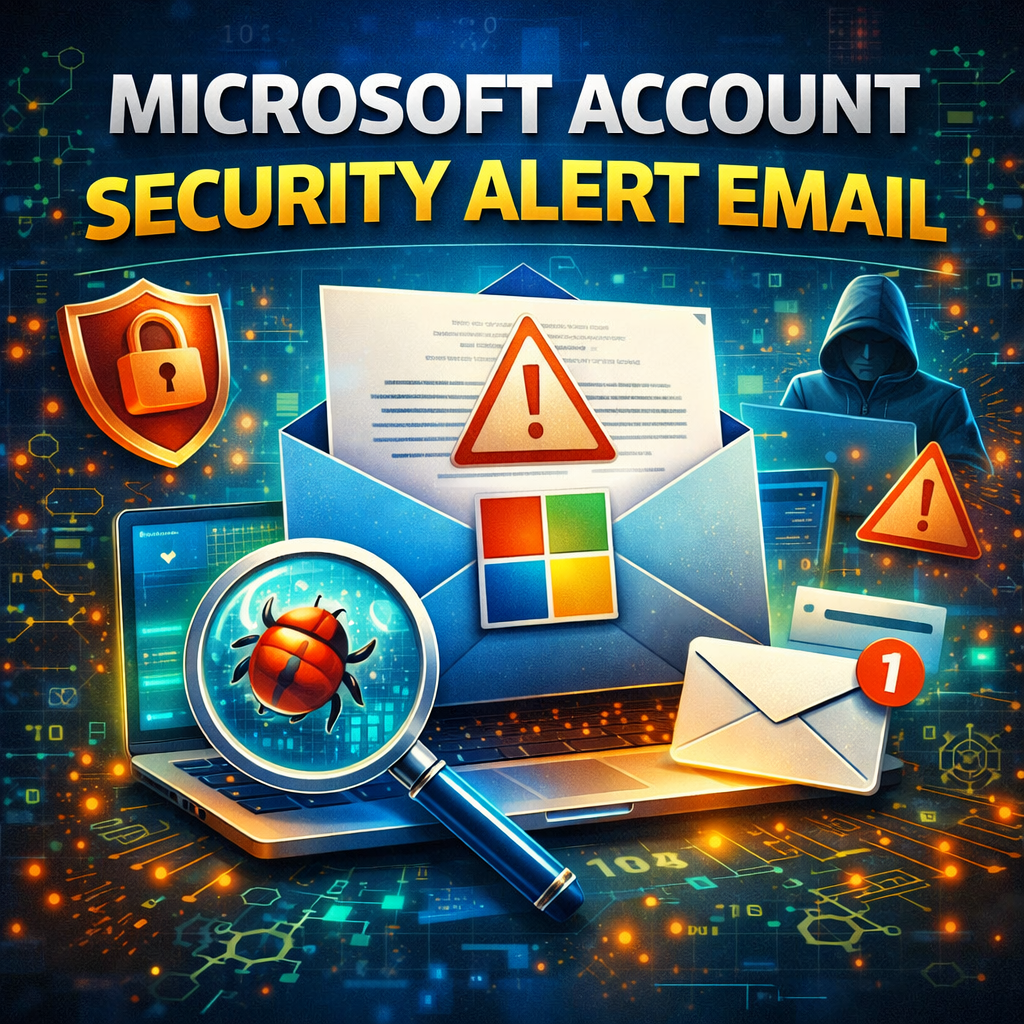
Have you ever received a microsoft account security alert email and wondered if it was real or a scam? You’re not alone. Millions of users receive these alerts every year, and while some are legitimate, many are cleverly disguised phishing attempts designed to steal your credentials.
Cybercriminals increasingly target Microsoft accounts because they often provide access to email, cloud storage, business tools, and sensitive data. A fake microsoft account security alert email can trick users into revealing passwords or clicking malicious links.
Understanding how these alerts work—and how to verify them—is essential for individuals, IT managers, and business leaders. In this guide, we’ll break down what a microsoft account security alert email is, how to identify real vs fake alerts, and how to protect your account from cyber threats.
What Is a Microsoft Account Security Alert Email?
A microsoft account security alert email is a notification sent by Microsoft when suspicious activity is detected on your account. These alerts are part of Microsoft’s security system designed to protect users from unauthorized access.
Common Reasons for Security Alert Emails
You may receive a legitimate alert if:
Someone tries to log in from a new location
There are multiple failed login attempts
Your password has been changed
A new device signs in to your account
Unusual activity is detected
These alerts help users take immediate action to secure their accounts.
Why Cybercriminals Mimic Microsoft Security Alerts
Attackers know that users trust security notifications. That’s why phishing emails often imitate a microsoft account security alert email.
Goals of Fake Security Alert Emails
Fake alerts are designed to:
Steal login credentials
Install malware
Redirect users to fake login pages
Gain access to sensitive data
These phishing attacks are becoming more sophisticated, making them harder to detect.
Real vs Fake Microsoft Account Security Alert Email
One of the biggest challenges is distinguishing between legitimate and malicious emails.
Signs of a Legitimate Email
A real microsoft account security alert email usually includes:
Official Microsoft email domain (e.g., @microsoft.com)
Clear, professional language
No urgent threats or pressure
Links directing to official Microsoft websites
Information about recent activity
Signs of a Phishing Email
Fake emails often contain red flags.
Warning Signs to Watch For
Misspelled email addresses
Urgent messages like “Act now or your account will be locked”
Suspicious links or shortened URLs
Poor grammar or formatting
Requests for passwords or sensitive data
If something feels off, it’s best to verify before taking action.
How to Verify a Microsoft Account Security Alert Email
Before clicking any links, you should always verify whether the alert is genuine.
Safe Verification Steps
Follow these steps to confirm authenticity:
Do not click links in the email immediately
Open a new browser window
Go directly to the official Microsoft website
Log in to your account manually
Check recent activity in your account security settings
If the alert is real, you will see related activity in your account.
What to Do If the Alert Is Legitimate
If the microsoft account security alert email is genuine, it means your account may be at risk.
Immediate Actions to Take
You should:
Change your password immediately
Enable multi-factor authentication (MFA)
Review recent account activity
Remove unknown devices
Update recovery information
Taking quick action helps prevent unauthorized access.
What to Do If the Email Is a Scam
If you suspect the alert is fake, avoid interacting with it.
Steps to Handle Phishing Emails
Do not click any links
Do not download attachments
Do not enter login credentials
Report the email as phishing
Delete the message
Reporting phishing emails helps improve security systems and protect other users.
Common Phishing Techniques Used in Fake Alerts
Cybercriminals use various techniques to make fake alerts appear legitimate.
Spoofed Email Addresses
Attackers may use email addresses that look similar to official Microsoft domains.
For example:
Always check the domain carefully.
Fake Login Pages
Phishing emails often direct users to fake websites designed to look like Microsoft login pages.
Once users enter their credentials, attackers capture the information.
Urgency and Fear Tactics
Attackers create a sense of urgency to pressure users into acting quickly.
Examples include:
“Your account will be suspended immediately”
“Unauthorized access detected—act now”
Legitimate companies rarely use threatening language.
Best Practices to Protect Your Microsoft Account
Preventing cyberattacks requires proactive security measures.
1. Enable Multi-Factor Authentication (MFA)
MFA adds an extra layer of security beyond passwords.
Even if attackers steal your credentials, they cannot access your account without a second verification step.
2. Use Strong, Unique Passwords
Avoid using simple or repeated passwords.
Strong Password Tips
Use at least 12 characters
Combine letters, numbers, and symbols
Avoid personal information
Use a password manager
3. Monitor Account Activity Regularly
Check your account’s recent activity for unusual logins or changes.
Early detection can prevent major security incidents.
4. Avoid Clicking Suspicious Links
Always verify links before clicking.
Hover over links to see the actual destination URL.
5. Keep Devices and Software Updated
Security updates patch vulnerabilities that attackers may exploit.
Regular updates help maintain strong system security.
Microsoft Account Security for Businesses
For organizations, protecting Microsoft accounts is even more critical.
Employees often use Microsoft accounts for:
Office 365
Teams and collaboration tools
Cloud storage
Business communication
A compromised account can expose sensitive company data.
Enterprise Security Best Practices
Organizations should:
Enforce MFA across all accounts
Implement identity and access management (IAM)
Use endpoint security solutions
Conduct employee security training
Monitor login activity across devices
A strong security strategy reduces the risk of account compromise.
The Future of Email Security Alerts
As cyber threats evolve, security alerts will become more advanced.
Future developments may include:
AI-based phishing detection
Behavioral authentication
Automated threat response
Enhanced identity verification systems
Organizations and individuals must stay informed to adapt to these changes.
Frequently Asked Questions (FAQ)
What is a Microsoft account security alert email?
It is a notification from Microsoft informing users about suspicious activity or security changes on their account.
How can I tell if a Microsoft security alert email is real?
Check the sender’s domain, avoid clicking links, and verify the alert by logging into your Microsoft account directly.
What should I do if I receive a fake security alert email?
Do not click any links, report the email as phishing, and delete it immediately.
Can hackers send fake Microsoft emails?
Yes. Cybercriminals often create phishing emails that mimic official Microsoft alerts to steal login credentials.
How can I secure my Microsoft account?
Enable multi-factor authentication, use strong passwords, monitor account activity, and avoid suspicious emails or links.
Stay Ahead of Cyber Threats
A microsoft account security alert email can be a helpful warning—or a dangerous trap. Knowing how to identify and respond to these alerts is essential for protecting your personal and business data.
Cybersecurity threats continue to evolve, making awareness and education more important than ever.
👉 Register for cybersecurity training today:
https://openedr.platform.xcitium.com/register/
Learn how to recognize threats, protect your accounts, and build stronger defenses against cyberattacks.

 Loading...