Updated on November 14, 2025, by OpenEDR
When was the last time your device suddenly slowed down, showed strange pop-ups, or behaved oddly? Chances are malware was involved — and that’s exactly where a malware removal tool comes in. If you work in online security, IT management, or cybersecurity operations, understanding how these tools work is absolutely essential. In this guide, we’ll break down everything you need to know: how malware removal tools work, the types of malware they catch, must-have features, and how to choose the right one.
This article will help you understand malware threats clearly while showing why every business — from startups to enterprises — needs strong detection and removal capabilities.
What Is a Malware Removal Tool?
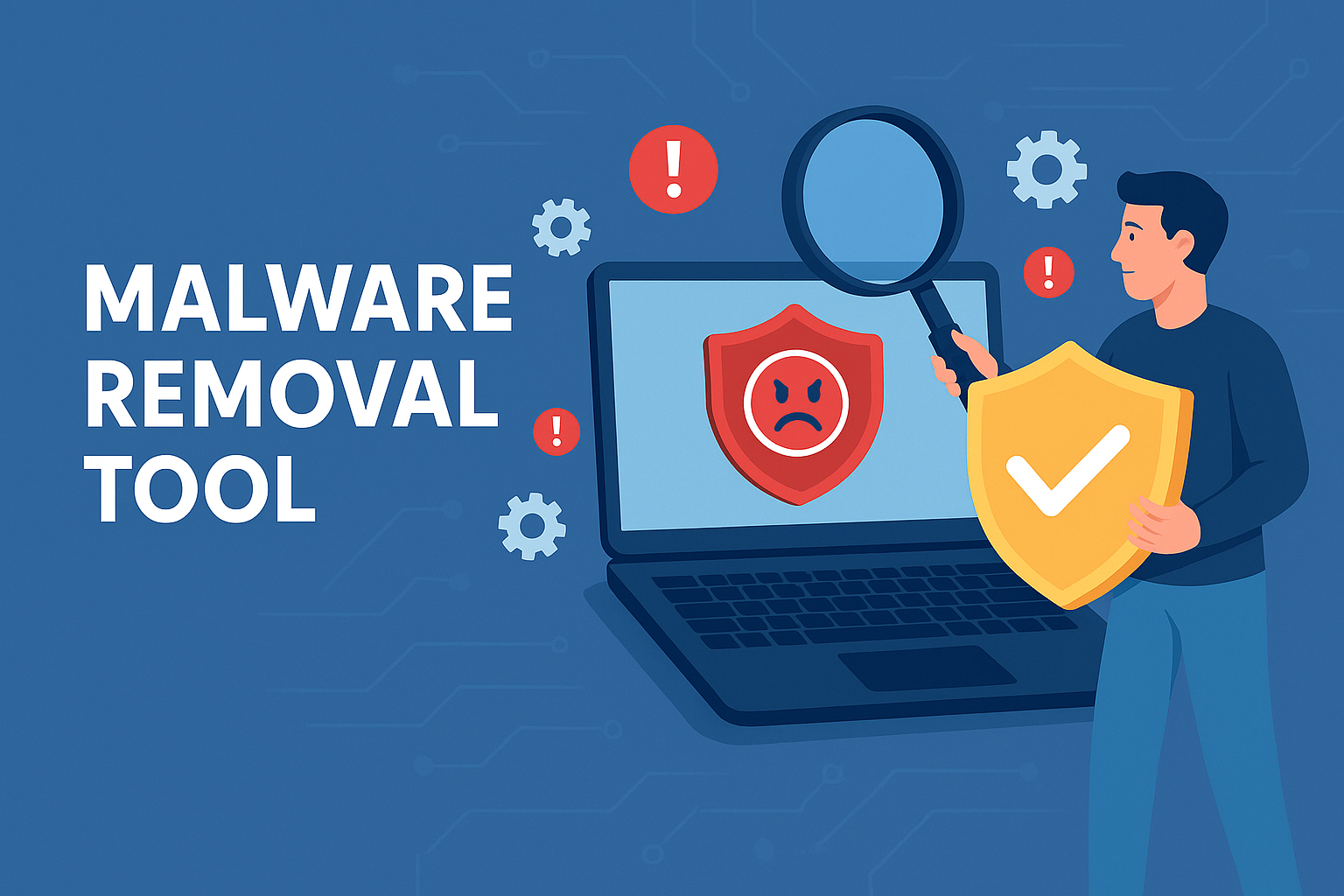
A malware removal tool is a cybersecurity utility designed to detect, isolate, and eliminate malicious software from a device or network. Unlike basic antivirus programs, which focus primarily on signature-based threats, modern malware removal tools use advanced scanning, behavioral analysis, AI-driven detection, and dynamic containment to protect systems from known and unknown threats.
These tools help identify malware such as:
Ransomware
Spyware
Rootkits
Trojans
Keyloggers
Worms
Adware
In simple terms, if it shouldn’t be on your device — a malware removal tool finds it and forces it out.
How Malware Removal Tools Work
Ever wonder how they actually detect hidden threats? Here’s how:
🔍 Signature-Based Scanning
Compares files against a database of known malware patterns.
🤖 Behavioral Analysis
Monitors suspicious behavior like unauthorized encryption, data access, or system manipulation.
🛑 Real-Time Protection
Alerts and blocks malware instantly before it infects the system.
🧪 Sandbox Analysis
Runs unknown or risky files in a controlled virtual environment to check for malicious behavior.
🧹 System Cleanup
Removes malware and restores corrupted system settings, files, or registry entries.
This layered approach offers maximum protection, even against emerging or zero-day threats.
Types of Malware a Removal Tool Can Eliminate
Malware isn’t “one size fits all.” Here’s what these tools typically clean:
🛑 Ransomware
Encrypts files and demands payment to unlock them.
👁 Spyware
Tracks user activities, keystrokes, or login data.
🎭 Trojans
Disguised as legitimate apps, they open backdoors into systems.
🐛 Worms
Self-spreading malware that replicates across networks.
📦 PUPs (Potentially Unwanted Programs)
Adware or bloatware that impacts performance.
🧬 Rootkits
Deep-hidden malware designed to evade detection.
A strong malware removal tool must handle all of these — not just the easy ones.
Key Features to Look for in a Malware Removal Tool
Before choosing a tool, make sure it includes:
1. Real-Time Threat Detection
Stops malware before it executes.
2. AI & Behavior-Based Detection
Identifies new and unknown threats.
3. Ransomware Protection
Detects and isolates encryption attempts immediately.
4. Cloud-Based Scanning
Delivers faster and more accurate results.
5. Automatic Updates
Protects against emerging threats.
6. Endpoint Visibility Dashboard
Helps IT teams monitor multiple devices.
7. Secure File Containment
Runs unknown files in isolation so they can’t infect the system.
8. Multi-OS Compatibility
Windows, Mac, Linux, Android — threats exist everywhere.
Malware Removal Tools vs. Traditional Antivirus
Most people confuse these two — but they’re different.
| Feature | Malware Removal Tool | Traditional Antivirus |
|---|---|---|
| Detects complex threats | ✔️ | ❌ |
| Behavior-based analysis | ✔️ | ❌ |
| Removes deeply embedded malware | ✔️ | ❌ |
| Focuses on modern attacks | ✔️ | ❌ |
| Signature-based detection | ✔️ | ✔️ |
A malware removal tool is essentially a more advanced, modern, and proactive version of antivirus protection.
Benefits for IT Teams and Cybersecurity Leaders
1. Faster Incident Response
Tools help identify and remove threats immediately.
2. Less Downtime
Quick recovery ensures the business continues running normally.
3. Automated Protection
Reduces manual work for IT departments.
4. Scalable Across Large Networks
Great for enterprises with multiple devices.
5. Improved Compliance
Helps meet data security regulations like HIPAA, GDPR, and PCI-DSS.
6. Protection Against Zero-Day Attacks
Behavior-based detection is key in modern threat defense.
How to Choose the Best Malware Removal Tool
Here’s what to consider:
Does it offer AI-powered detection?
Does it include ransomware containment?
Can it detect unknown threats?
Is it easy for IT teams to deploy?
Does it automatically update threat databases?
Does it include a cloud dashboard for management?
Tools from vendors like Xcitium are designed to handle sophisticated malware attacks using zero-threat containment — an approach far more effective than traditional antivirus.
Best Practices for Preventing Malware
✔ Keep software updated
Outdated software equals vulnerabilities.
✔ Avoid suspicious downloads
Malware often hides in free apps or cracked programs.
✔ Use strong passwords
Avoid repeated passwords or easy-to-guess combinations.
✔ Enable MFA
Adds an extra security layer.
✔ Use DNS filtering
Prevents visiting malicious websites.
✔ Educate employees
Human error is the #1 cause of cyber incidents.
Final Thoughts
A malware removal tool is no longer optional — it’s essential. With cyber threats evolving daily, organizations must use advanced, scalable, and AI-driven protection to stay ahead. Whether you’re an IT manager, a cybersecurity professional, or a business leader, investing in the right malware removal tool can save you from major damage and downtime.
👉 Ready to strengthen your security?
Get next-gen protection powered by Zero-Threat technology.
Request your demo now:
🔗 https://openedr.platform.xcitium.com/register/
FAQs
1. What is a malware removal tool?
It’s a cybersecurity solution designed to detect, isolate, and remove malicious software from devices and networks.
2. Is a malware removal tool the same as antivirus?
No. Antivirus relies mainly on signatures; malware removal tools use advanced behavioral and AI-based detection.
3. Can malware removal tools detect ransomware?
Yes — advanced tools can detect and isolate suspicious encryption immediately.
4. Are malware removal tools safe to use?
Absolutely. They’re designed to protect and restore system health without affecting performance.
5. Do I need a malware removal tool if I already have antivirus?
Yes. Antivirus alone cannot detect modern threats like zero-day malware or advanced ransomware.

 Loading...