Updated on November 12, 2025, by OpenEDR
Imagine your IT team juggling dozens of support tickets, network alerts, and cybersecurity incidents—without a unified platform. The result? Chaos, downtime, and costly inefficiency.
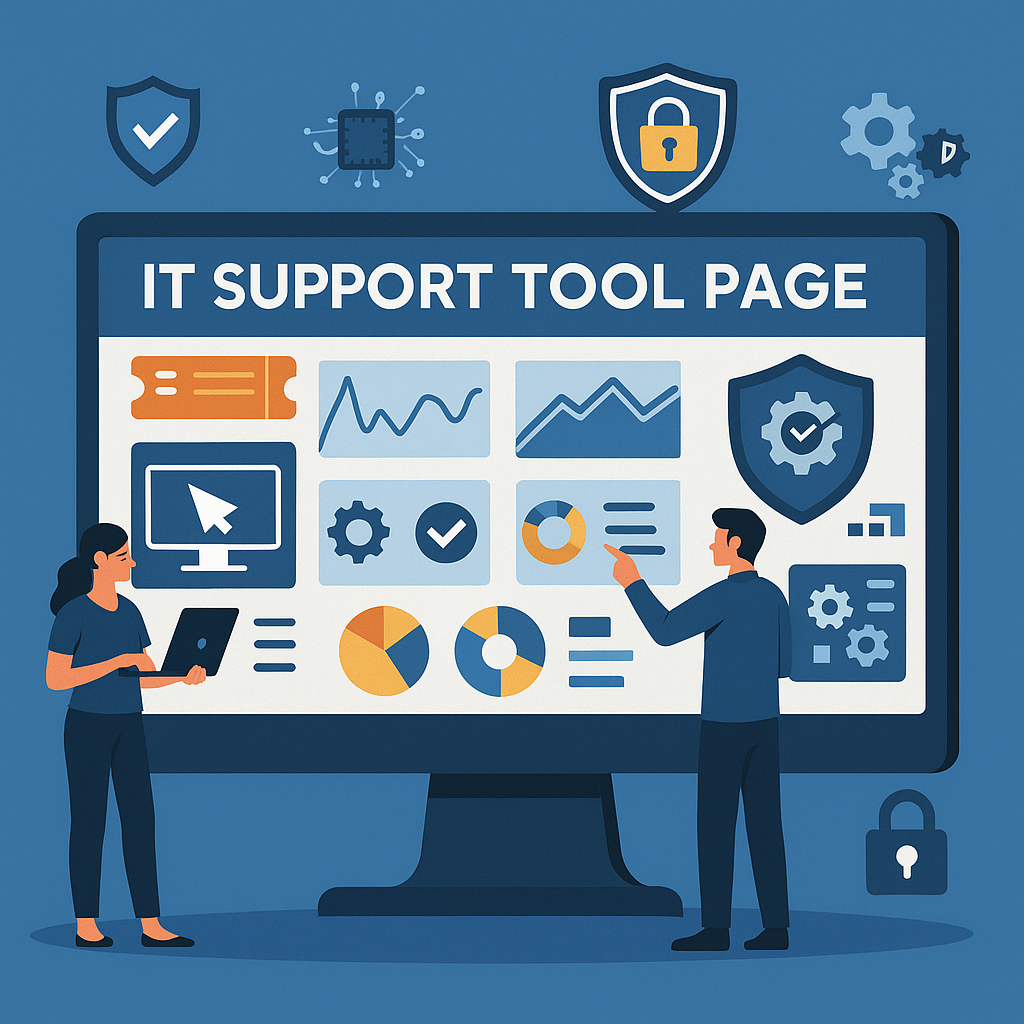
This is where an IT support tool page becomes essential. It acts as the command center for IT professionals — bringing together everything from ticket management and automation to security monitoring and endpoint management.
For businesses prioritizing cybersecurity and digital efficiency, investing in a comprehensive IT support tool page isn’t optional—it’s strategic.
In this article, we’ll break down what an IT support tool page is, how it benefits IT teams and business leaders, and which features matter most in a modern digital infrastructure.
What Is an IT Support Tool Page?
An IT support tool page is a centralized interface that helps IT teams manage, monitor, and resolve technical issues across an organization’s digital ecosystem.
It integrates multiple tools, including:
Helpdesk ticketing systems
Remote monitoring and management (RMM)
Asset tracking
Incident response modules
Security alerts and patch management
Essentially, it’s a digital control room for IT operations — where support teams can diagnose, troubleshoot, and secure endpoints in real time.
For cybersecurity-driven organizations, the IT support tool page often integrates endpoint detection and response (EDR), threat intelligence feeds, and vulnerability management to ensure end-to-end protection.
Why IT Support Tools Are Crucial for Cybersecurity Teams
Modern IT environments are complex, hybrid, and interconnected. Managing security and productivity at scale is nearly impossible without automation and visibility.
Here’s why your cybersecurity and IT management teams need a robust support tool page:
1. Centralized Visibility Across All Endpoints
With remote work becoming the norm, visibility across multiple devices and networks is critical.
An IT support tool page gives administrators a unified dashboard showing hardware, software, and network performance in real time.
2. Rapid Threat Detection and Incident Response
Integration with AI-driven cybersecurity tools allows the system to detect anomalies such as unauthorized access attempts or unusual data transfers — enabling rapid response.
3. Automation Reduces Human Error
Automated patching, ticket routing, and routine maintenance reduce the burden on IT teams and minimize the risk of oversight.
4. Improved Productivity
By consolidating functions like helpdesk management and asset tracking, IT professionals save hours weekly on manual processes.
5. Data-Driven Decision-Making
Built-in analytics tools help teams identify recurring issues, optimize resources, and plan upgrades strategically.
Key Features of an Effective IT Support Tool Page
A great IT support page doesn’t just solve problems — it prevents them.
Here are the top features your IT department should look for:
1. Ticket Management System
An intuitive, automated system for creating, tracking, and resolving IT tickets.
It should support:
Auto-prioritization of critical issues
SLA tracking
Multi-channel requests (email, chat, phone)
2. Remote Access & Control
IT admins must be able to access user systems securely, fix issues remotely, and provide real-time support without physical intervention.
3. Endpoint Security Integration
Modern IT tool pages integrate endpoint detection and response (EDR) and threat monitoring to identify potential breaches early.
4. Patch & Vulnerability Management
Automated scanning and patch deployment help eliminate vulnerabilities before attackers can exploit them.
5. Performance Monitoring
Real-time insights into system uptime, bandwidth, and resource utilization help maintain operational continuity.
6. Knowledge Base and Documentation
An integrated knowledge base allows employees to self-resolve common issues, reducing helpdesk load.
How IT Support Tool Pages Enhance Cybersecurity
In today’s cyberthreat landscape, IT support tools play a dual role — managing infrastructure and defending against attacks.
Here’s how:
1. Proactive Threat Monitoring
Advanced IT support platforms include AI-based threat detection, which identifies and flags unusual activities before they escalate into breaches.
2. Integration with SIEM and EDR Systems
A modern IT support page integrates seamlessly with Security Information and Event Management (SIEM) and Endpoint Detection and Response (EDR) systems — ensuring real-time visibility across networks.
3. Automated Remediation
If malware or unauthorized access is detected, automated workflows isolate infected systems, apply patches, and alert admins instantly.
4. Access Control and Compliance
IT support tools enforce role-based access, ensuring that only authorized personnel can access sensitive systems.
This helps maintain compliance with frameworks such as GDPR, HIPAA, and ISO 27001.
The Role of AI and Automation in IT Support Tools
Artificial Intelligence has reshaped IT operations and cybersecurity. AI-driven IT support tools go beyond ticketing—they learn from incidents, predict failures, and automatically optimize network performance.
AI Capabilities Include:
Predicting hardware or network failures before they occur
Categorizing and routing tickets intelligently
Detecting insider threats through behavior analytics
Automating software updates based on risk severity
By integrating AI with OpenEDR (like Xcitium’s OpenEDR platform), organizations can combine predictive maintenance with proactive cyber defense, creating a self-healing digital environment.
Best Practices for Designing an IT Support Tool Page
If you’re planning to develop or customize an IT support tool page, follow these design and operational best practices:
1. Simplify the User Interface
A cluttered dashboard slows down response time. Design a clean, intuitive layout with quick access to core tools.
2. Integrate Security Alerts
Embed real-time alerts and threat dashboards directly into the tool page for instant situational awareness.
3. Enable Role-Based Views
Customize access for IT admins, cybersecurity analysts, and end-users to ensure both usability and security.
4. Automate Repetitive Tasks
Use automation scripts to handle ticket creation, patch scheduling, and software updates.
5. Provide Real-Time Reporting
Ensure the system generates visual analytics for ticket trends, vulnerabilities, and compliance reports.
How to Choose the Right IT Support Tool Page for Your Business
With dozens of IT support solutions available, picking the right one requires a clear strategy.
Key Factors to Consider:
Scalability: Can it grow with your organization?
Integration: Does it work with your existing EDR, SIEM, or CRM systems?
Security: Does it include endpoint encryption and role-based access?
Automation: Are updates, patches, and responses automated?
Support: Does the vendor provide 24/7 technical and cybersecurity support?
Recommended Platforms
Solutions like Xcitium OpenEDR, ServiceNow ITSM, and SolarWinds RMM offer robust integrations for both IT management and security monitoring — ideal for enterprise-level operations.
Benefits of an IT Support Tool Page
When deployed effectively, an IT support tool page can deliver measurable ROI through:
Reduced downtime via proactive monitoring.
Improved cybersecurity through integrated protection.
Higher productivity for IT teams.
Data-driven optimization of IT assets.
Enhanced user experience with faster response times.
Conclusion: Empowering IT Teams with Smarter Support Tools
In a world where IT systems form the backbone of every business operation, efficiency, security, and automation are not optional—they’re essential.
An IT support tool page bridges the gap between technical management and cybersecurity, enabling teams to detect issues faster, respond proactively, and protect the organization’s digital assets.
The result? Stronger infrastructure, smarter operations, and safer business growth.
Transform your IT operations with AI-driven security and automation.
👉 Register for Xcitium OpenEDR to experience end-to-end visibility, control, and protection.
FAQs on IT Support Tool Pages
1. What is an IT support tool page?
It’s a centralized platform that helps IT teams manage, monitor, and secure systems efficiently.
2. How does it improve cybersecurity?
By integrating EDR, threat monitoring, and automated patching, it strengthens your defense posture.
3. What features should an IT support tool page have?
Essential features include ticket management, remote control, performance monitoring, and AI-based automation.
4. Can small businesses use IT support tools?
Yes — cloud-based IT support tools are scalable and ideal for SMBs seeking affordable security and management solutions.
5. How does Xcitium OpenEDR fit into IT support?
Xcitium’s platform combines advanced threat detection, endpoint protection, and automation—perfect for secure IT operations management.

 Loading...