Updated on March 17, 2026, by OpenEDR
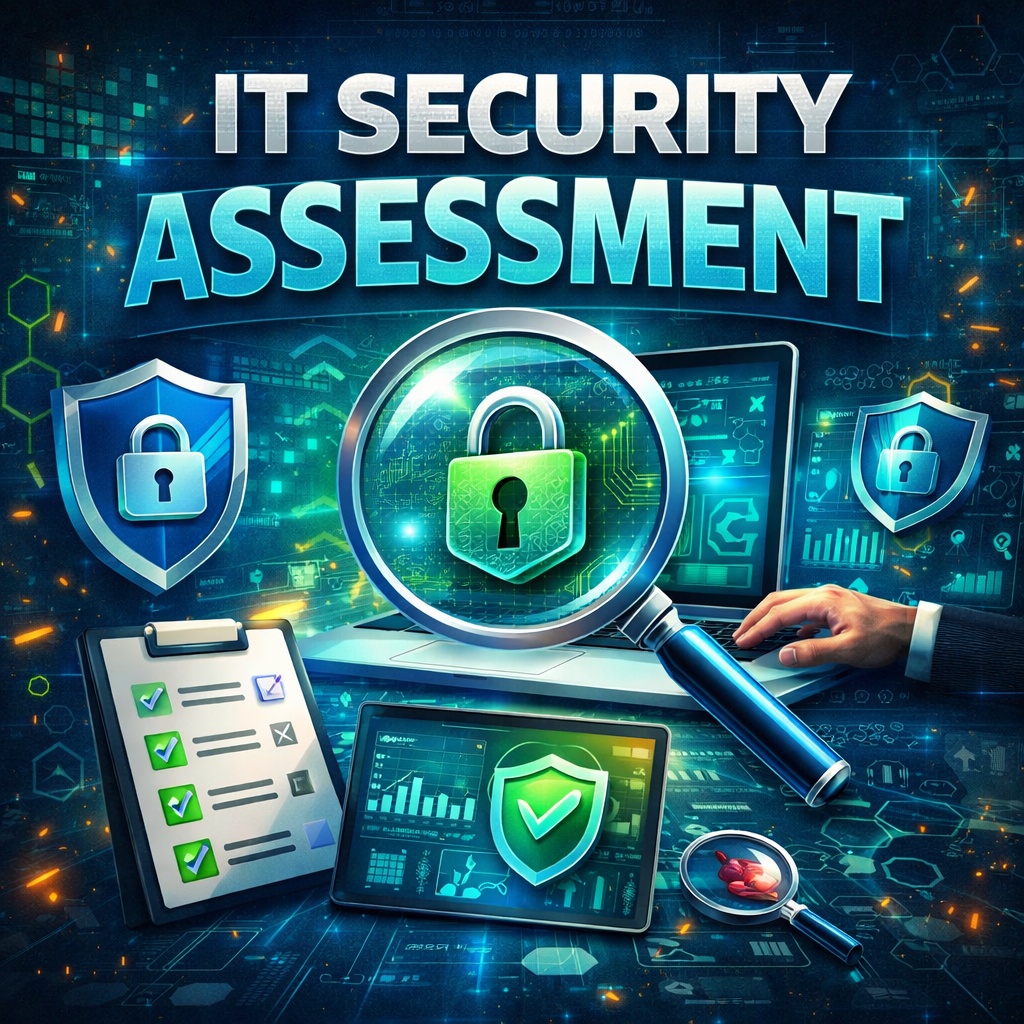
Cyberattacks are becoming more frequent and more sophisticated every year. Organizations of all sizes face constant threats from ransomware, phishing campaigns, data breaches, and insider attacks. To defend against these risks, businesses must regularly evaluate their security posture. This is where an IT security assessment becomes essential.
An IT security assessment is a structured evaluation of an organization’s IT infrastructure, policies, and security controls to identify vulnerabilities and reduce cyber risks. Instead of waiting for attackers to exploit weaknesses, security teams proactively analyze systems and implement improvements.
For IT managers, cybersecurity professionals, and business leaders, conducting a thorough IT security assessment helps uncover hidden vulnerabilities, ensure compliance with industry regulations, and protect critical business assets.
In this guide, we’ll explore what an IT security assessment is, why it matters, how it works, and best practices for implementing a successful security evaluation.
What Is an IT Security Assessment?
An IT security assessment is a systematic process used to evaluate the security of an organization’s technology infrastructure. The goal is to identify vulnerabilities, measure security effectiveness, and recommend improvements.
This assessment typically examines multiple components of an organization’s digital environment.
Areas Evaluated During an IT Security Assessment
A comprehensive IT security assessment may review:
Network infrastructure
Servers and endpoints
Cloud environments
Applications and databases
Access control systems
Security policies and procedures
Security experts analyze these areas to detect weaknesses that could expose the organization to cyber threats.
Why IT Security Assessments Are Important
Cybersecurity threats evolve rapidly. Organizations that fail to regularly assess their security posture may unknowingly expose sensitive data to attackers.
Conducting an IT security assessment helps businesses stay ahead of potential risks.
Key Benefits of an IT Security Assessment
Organizations that perform regular assessments gain several advantages:
Identification of security vulnerabilities
Improved risk management
Enhanced regulatory compliance
Better incident response preparedness
Stronger overall cybersecurity posture
An IT security assessment helps security teams understand where their defenses are strong and where improvements are needed.
Types of IT Security Assessments
Organizations can perform several types of assessments depending on their security goals.
Vulnerability Assessment
A vulnerability assessment identifies known security weaknesses in systems and applications.
Security tools scan networks and devices to detect:
Outdated software
Misconfigurations
Weak passwords
Missing security patches
This is often the first step in an IT security assessment.
Penetration Testing
Penetration testing simulates a real cyberattack.
Ethical hackers attempt to exploit vulnerabilities to determine how attackers could infiltrate the system.
Pen tests provide deeper insights into security gaps.
Security Risk Assessment
A risk assessment evaluates the potential impact of cybersecurity threats on business operations.
Security teams analyze:
Threat likelihood
Business impact
Existing security controls
This helps organizations prioritize security investments.
Compliance Assessment
Many industries must follow cybersecurity regulations.
Compliance assessments verify whether security practices meet required standards such as:
HIPAA
PCI DSS
ISO 27001
GDPR
These assessments are often included in broader IT security assessment programs.
Key Steps in an IT Security Assessment
A successful IT security assessment follows a structured process.
Step 1: Define Scope and Objectives
Before conducting an assessment, organizations must determine what systems will be evaluated.
Common Assessment Objectives
Organizations may focus on:
Network security
Application security
Cloud infrastructure
Endpoint protection
Clear objectives ensure the assessment produces meaningful results.
Step 2: Asset Identification
Security teams must identify all IT assets connected to the network.
Examples of IT Assets
These assets may include:
Servers
Workstations
Mobile devices
Cloud resources
Databases
Applications
Without a complete asset inventory, an IT security assessment cannot accurately identify vulnerabilities.
Step 3: Vulnerability Scanning
Security teams use specialized tools to detect vulnerabilities within the IT environment.
These tools scan systems for known weaknesses and misconfigurations.
Common vulnerabilities discovered during an IT security assessment include:
Unpatched software
Weak encryption protocols
Default credentials
Open network ports
Identifying these issues early allows organizations to fix them before attackers exploit them.
Step 4: Risk Analysis
Not every vulnerability presents the same level of risk.
Security experts analyze each vulnerability based on several factors.
Risk Evaluation Criteria
Factors considered include:
Severity of the vulnerability
Exposure to the internet
Potential impact on business operations
Likelihood of exploitation
This process helps prioritize remediation efforts.
Step 5: Remediation Planning
Once vulnerabilities are identified and prioritized, organizations develop remediation strategies.
Common Remediation Actions
Security teams may implement:
Software patches and updates
Configuration changes
Access control improvements
Network segmentation
Security monitoring enhancements
These actions strengthen the organization’s security defenses.
Step 6: Reporting and Documentation
The final stage of an IT security assessment involves generating detailed reports.
These reports summarize:
Discovered vulnerabilities
Risk levels
Recommended remediation actions
Security improvement strategies
Clear reporting helps executives and IT teams make informed security decisions.
Common Security Risks Identified in Assessments
During an IT security assessment, organizations often uncover several common vulnerabilities.
Weak Password Policies
Poor password practices can make it easy for attackers to access accounts.
Implementing strong password policies and multi-factor authentication significantly improves security.
Outdated Software
Unpatched systems are one of the most common entry points for cybercriminals.
Regular updates are essential for maintaining system security.
Misconfigured Cloud Services
Cloud misconfigurations can expose sensitive data to the public internet.
Security assessments help identify these risks.
Lack of Network Segmentation
Without segmentation, attackers who gain access to one system may move freely across the network.
Segmented networks limit the spread of cyberattacks.
Best Practices for Conducting an IT Security Assessment
Organizations should follow several best practices to maximize the effectiveness of their assessments.
1. Perform Assessments Regularly
Cyber threats change constantly.
Conducting periodic IT security assessments ensures vulnerabilities are discovered quickly.
2. Use Automated Security Tools
Automation helps security teams scan large environments efficiently.
Vulnerability scanners and security monitoring tools improve assessment accuracy.
3. Combine Automated and Manual Testing
Automated tools identify common vulnerabilities, but manual analysis provides deeper insights.
Combining both approaches produces more comprehensive results.
4. Prioritize High-Risk Vulnerabilities
Security teams should address critical vulnerabilities first to reduce immediate risks.
5. Train Employees on Security Awareness
Human error often contributes to cyber incidents.
Employee training helps prevent phishing attacks and unsafe behaviors.
IT Security Assessments for Different Industries
Different industries have unique cybersecurity requirements.
Healthcare
Healthcare organizations must protect sensitive patient information and comply with regulations like HIPAA.
Finance
Financial institutions must secure transactions, customer data, and payment systems.
Manufacturing
Manufacturers must protect operational technology systems and prevent production disruptions.
Technology Companies
Tech companies must safeguard intellectual property and cloud infrastructure.
A comprehensive IT security assessment helps organizations in every industry address their specific security challenges.
The Future of IT Security Assessments
As digital environments grow more complex, security assessments are evolving.
Future IT security assessment processes may include:
AI-powered vulnerability analysis
Automated threat modeling
Continuous security monitoring
Integrated cloud security assessments
These advancements will allow organizations to detect and respond to threats more quickly.
Frequently Asked Questions (FAQ)
What is an IT security assessment?
An IT security assessment is a structured evaluation of an organization’s IT infrastructure designed to identify vulnerabilities and improve cybersecurity defenses.
Why are IT security assessments important?
They help organizations detect weaknesses before attackers exploit them, reducing the risk of cyberattacks and data breaches.
How often should an IT security assessment be performed?
Most organizations conduct assessments annually or whenever significant changes occur in their IT infrastructure.
What tools are used in an IT security assessment?
Security teams often use vulnerability scanners, penetration testing tools, threat intelligence platforms, and security monitoring solutions.
Who should perform an IT security assessment?
Assessments can be conducted by internal security teams or external cybersecurity experts specializing in risk analysis and security testing.
Strengthen Your Cybersecurity Knowledge Today
Cyber threats continue evolving, making proactive security strategies essential. Conducting a thorough IT security assessment helps organizations identify vulnerabilities, improve defenses, and protect sensitive data.
Staying informed about cybersecurity best practices is key to building stronger defenses against emerging threats.
👉 Register for cybersecurity training today:
https://openedr.platform.xcitium.com/register/
Learn how to strengthen your security expertise, detect threats faster, and build more resilient cybersecurity strategies for your organization.

 Loading...