Updated on February 3, 2026, by OpenEDR
Have you ever wondered how IT teams keep systems running smoothly, secure devices from threats, and fix hardware issues quickly? Hardware tools play a crucial role in maintaining, troubleshooting, and securing modern computing environments. From basic maintenance to advanced diagnostics, hardware tools are the foundation of reliable IT operations.
For cybersecurity professionals, IT managers, and business leaders, understanding hardware tools is more important than ever. As organizations rely on complex infrastructures, the right hardware tools can mean the difference between fast recovery and costly downtime. This guide explains what hardware tools are, their types, real-world uses, and how they support security and operational efficiency.
What Are Hardware Tools?
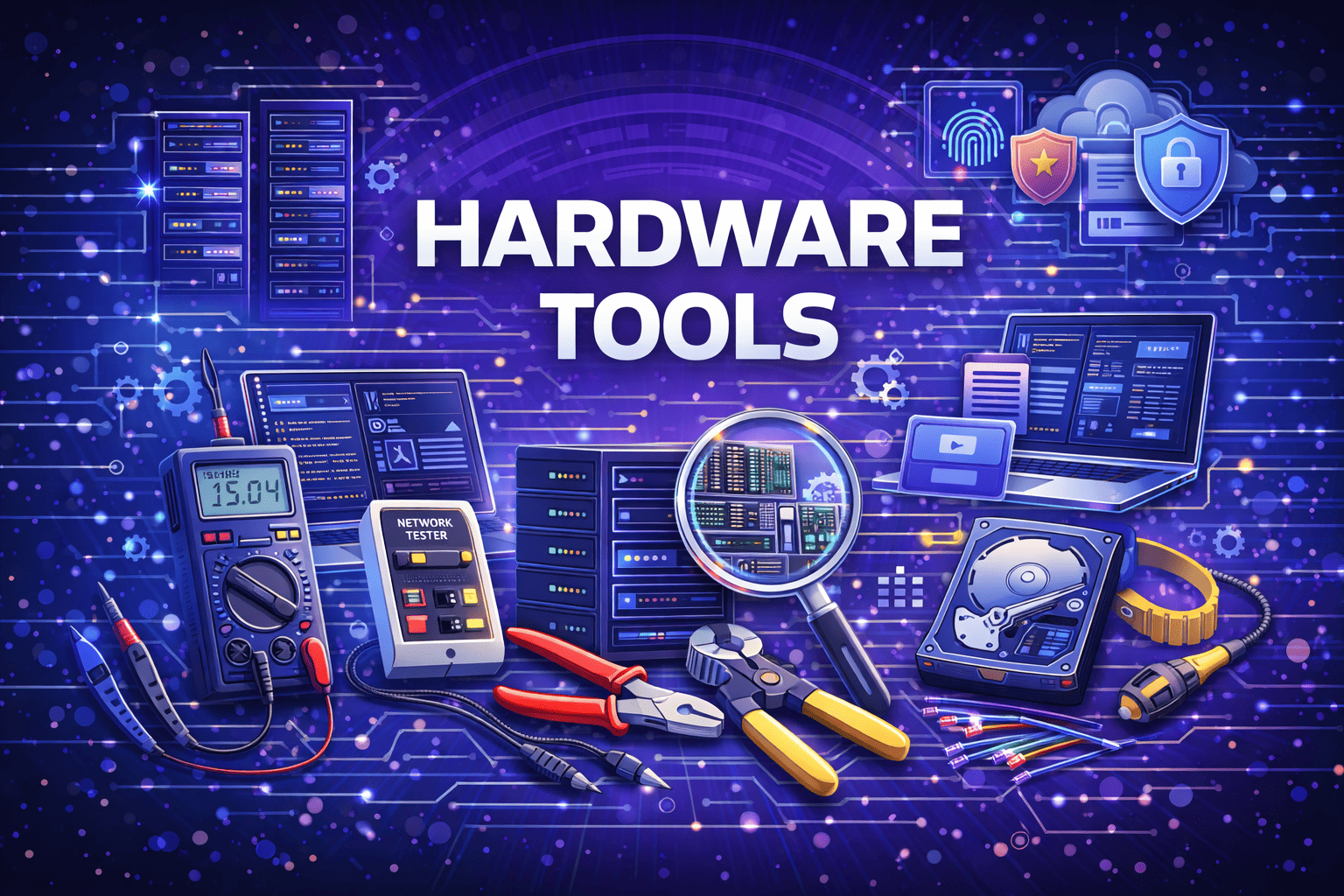
Hardware tools are physical devices and instruments used to install, maintain, repair, diagnose, and secure computer hardware and electronic systems. Unlike software tools, hardware tools interact directly with physical components such as servers, desktops, laptops, networking devices, and peripherals.
In IT environments, hardware tools support everything from routine maintenance to advanced troubleshooting. They help professionals identify failing components, assemble systems correctly, and ensure hardware performs as expected.
Understanding hardware tools is essential for building resilient and secure infrastructure.
Why Hardware Tools Are Important for Modern Organizations
Hardware tools are not just technical accessories—they are business enablers.
Key reasons hardware tools matter include:
Faster troubleshooting and repairs
Reduced system downtime
Improved hardware lifespan
Better security enforcement
Cost savings through preventive maintenance
For enterprises, reliable hardware tools help maintain productivity and protect sensitive data.
Common Types of Hardware Tools
There are many types of hardware tools, each designed for specific tasks. Knowing which tools to use improves efficiency and safety.
Basic Hardware Tools
These are essential tools used for everyday maintenance and assembly.
Examples include:
Screwdrivers (Phillips, flat-head, Torx)
Anti-static wrist straps
Tweezers and pliers
Cable ties and cutters
Basic hardware tools are commonly used for installing components and managing cables.
Diagnostic Hardware Tools
Diagnostic hardware tools help identify problems with physical components.
Common diagnostic tools include:
Multimeters
Power supply testers
POST diagnostic cards
Hardware monitoring devices
These tools are critical for detecting voltage issues, faulty components, and system failures.
Networking Hardware Tools
Networking environments rely heavily on specialized hardware tools.
Examples include:
Cable testers
Crimping tools
Tone generators and probes
Network analyzers
Networking hardware tools ensure proper connectivity and performance.
Advanced Hardware Tools
Advanced environments require specialized tools.
These may include:
Thermal cameras
Oscilloscopes
Disk duplicators
Hardware encryption modules
Advanced hardware tools are often used in data centers and security-focused environments.
Hardware Tools in IT Operations
Hardware tools are central to daily IT operations.
Installation and Setup
IT teams use hardware tools to assemble systems, install components, and deploy infrastructure. Proper installation reduces future failures.
Maintenance and Repair
Regular hardware maintenance prevents unexpected breakdowns. Tools help clean components, replace parts, and optimize performance.
Troubleshooting and Diagnostics
When systems fail, hardware tools provide direct insight into physical issues that software tools cannot detect.
For IT managers, having the right hardware tools ensures faster issue resolution.
Role of Hardware Tools in Cybersecurity
Hardware tools also support cybersecurity efforts.
Device Security and Integrity
Tools like hardware locks, TPM modules, and secure boot devices help protect systems from physical tampering.
Incident Response
During security incidents, hardware tools help isolate compromised systems, remove affected components, and restore trusted hardware states.
Forensic Analysis
Hardware write blockers and disk imaging tools preserve evidence during investigations.
For cybersecurity teams, hardware tools strengthen defense beyond software controls.
Choosing the Right Hardware Tools for Your Environment
Not all organizations need the same tools.
Factors to Consider
Size of IT infrastructure
Type of hardware supported
Security requirements
Budget and scalability
Skill level of staff
Selecting the right hardware tools improves efficiency and reduces risk.
Best Practices for Using Hardware Tools Safely
Improper use of hardware tools can cause damage or injury.
Safety Best Practices
Use anti-static protection
Power down devices before repairs
Follow manufacturer guidelines
Label and organize tools properly
Train staff regularly
Safe handling protects both equipment and personnel.
Hardware Tools vs Software Tools
Both hardware and software tools are essential, but they serve different purposes.
Hardware Tools
Interact with physical components
Diagnose electrical and mechanical issues
Required for installation and repair
Software Tools
Monitor system performance
Analyze logs and configurations
Automate processes
The best IT strategies use both together.
Common Mistakes When Using Hardware Tools
Even experienced teams make mistakes.
Frequent Errors
Skipping anti-static precautions
Using incorrect tools
Ignoring calibration requirements
Failing to document repairs
Avoiding these mistakes improves reliability and safety.
Hardware Tools for IT Managers and Executives
For leadership teams, hardware tools support business continuity.
Business Benefits
Reduced downtime
Faster recovery from failures
Lower long-term costs
Improved security posture
Investing in proper hardware tools supports operational resilience.
Future Trends in Hardware Tools
Technology continues to evolve.
Emerging Trends
Smart diagnostic tools
AI-assisted hardware monitoring
Integrated security hardware
Remote diagnostics
These innovations improve visibility and efficiency.
Actionable Tips for Organizations
To get the most from hardware tools:
Maintain an inventory of tools
Standardize toolkits across teams
Schedule preventive maintenance
Combine hardware tools with monitoring platforms
Review tools regularly as infrastructure evolves
Proactive management delivers long-term value.
Frequently Asked Questions (FAQ)
1. What are hardware tools used for?
Hardware tools are used to install, maintain, repair, and diagnose physical computer components.
2. Are hardware tools still important with cloud computing?
Yes. Cloud infrastructure still relies on physical hardware that requires maintenance and security.
3. Do small businesses need hardware tools?
Yes. Even small environments benefit from basic hardware tools for maintenance and troubleshooting.
4. How do hardware tools support cybersecurity?
They help protect physical devices, support forensic investigations, and ensure system integrity.
5. How often should hardware tools be updated?
Tools should be reviewed regularly and updated as technology and infrastructure change.
Final Thoughts: Why Hardware Tools Still Matter
Even in a software-driven world, hardware tools remain essential. They keep systems running, support security efforts, and reduce downtime across industries. From IT operations to cybersecurity response, hardware tools provide the physical foundation that digital systems depend on.
Organizations that invest in the right hardware tools are better prepared to handle challenges and grow securely.
If you want deeper visibility, stronger endpoint protection, and better control over your IT infrastructure:
👉 Strengthen your security and operations today
Register now: https://openedr.platform.xcitium.com/register/

 Loading...