Updated on December 1, 2025, by OpenEDR
If you’re searching for a file recovery tool, chances are you’ve lost important files—documents, photos, videos, or business data—and need a reliable way to restore them. Whether the cause was accidental deletion, software malfunction, formatting errors, or even a cyberattack, data loss can be stressful, costly, and disruptive.
Fortunately, modern file recovery tools are more powerful than ever. They can restore files from hard drives, SSDs, USB devices, SD cards, cloud backups, and even damaged or corrupted storage. These tools are essential for IT managers, cybersecurity teams, business owners, and everyday users who need fast, safe, and effective data restoration.
In this comprehensive guide, you’ll learn what a file recovery tool is, how it works, types of data loss, the best features to look for, step-by-step recovery methods, and expert cybersecurity tips to prevent future data loss.
What Is a File Recovery Tool? (Simple Definition)
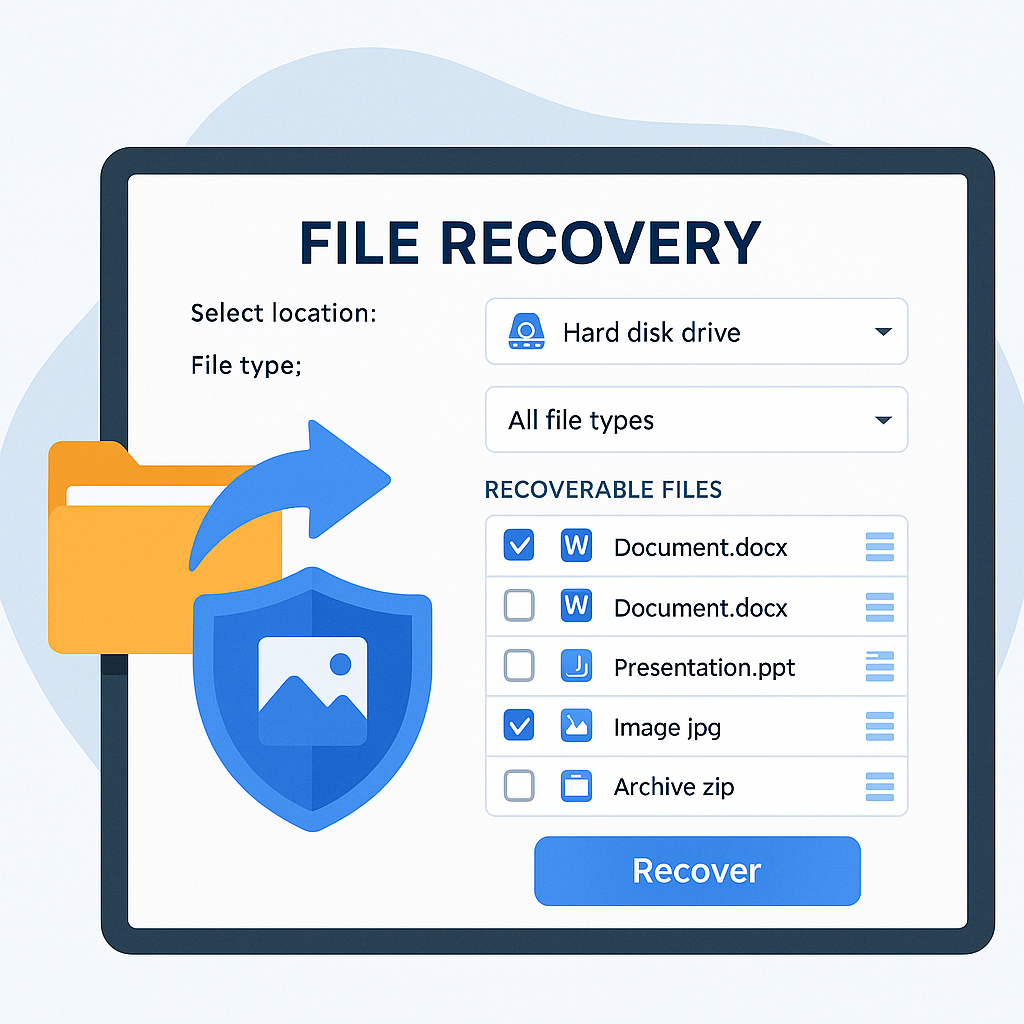
A file recovery tool is software designed to restore deleted, lost, corrupted, or inaccessible files from storage devices. These tools scan your storage media for recoverable data and help you restore it—even if it appears permanently deleted.
File recovery tools can recover data from:
Hard disk drives (HDDs)
Solid-state drives (SSDs)
USB flash drives
Memory cards
External hard drives
Cloud storage
Virtual machines
NAS & RAID systems
These tools are essential for modern cybersecurity and IT operations because data loss can occur at any time due to human error, software issues, or cyber threats.
Why File Recovery Tools Are Essential in 2026
As digital storage continues to grow, so does the risk of data loss. According to industry statistics:
29% of data loss is caused by human error
35% is due to hardware/system failure
45% of businesses experience data loss yearly
Cyberattacks (like ransomware) cause record-high data corruption
With remote work, cloud computing, hybrid infrastructures, and cyber threats rising, file recovery tools are no longer optional—they’re essential.
Common Causes of Data Loss
Understanding why data loss happens helps you choose the right file recovery tool and prevent future issues.
1. Accidental Deletion
The #1 cause. Files deleted from recycle bins or trash cans may still be recoverable.
2. System Crashes
Operating system failures can corrupt or erase files.
3. Malware & Ransomware
Cybercriminals may:
Encrypt data
Corrupt files
Delete data
Ransomware attacks often require advanced recovery tools.
4. Formatting Errors
Quick-formatting a drive can erase references to stored data.
5. Hardware Failure
Hard drive failure, bad sectors, and SSD wear-out are common.
6. File Corruption
Caused by power failures, incomplete transfers, or damaged storage.
7. Partition Loss
Improper partitioning can hide or erase data structures.
8. Software Bugs
OS updates, application failures, and database errors also cause data loss.
How a File Recovery Tool Works
To understand recovery, here’s a simple explanation of how storage works:
When you delete a file:
The data isn’t immediately erased.
The system marks the file’s space as “available.”
Until overwritten, the data remains recoverable.
A file recovery tool scans the drive for:
Deleted file fragments
File system indexes
Metadata
RAW data blocks
Partition tables
Then it reconstructs the file and restores it to a safe location.
Types of File Recovery Tools
Different recovery scenarios require different types of tools.
1. Deleted File Recovery Tools
Specialized for retrieving files removed from:
Recycle Bin
Trash
Temporary folders
2. Partition Recovery Tools
Restore lost or damaged:
Partitions
Drive structures
Boot sectors
3. Photo & Video Recovery Tools
Used for:
SD cards
Cameras
Drones
Media devices
4. Deep-Scan Data Recovery Tools
Recover files from:
Formatted drives
Corrupted drives
Storage with overwritten sectors
5. Forensic Recovery Tools
Used by cybersecurity teams for:
Incident response
Evidence recovery
Malware damage investigation
6. RAID & NAS Recovery Tools
Advanced systems for businesses needing enterprise-grade recovery.
Essential Features to Look for in a File Recovery Tool
Not all recovery tools are equally effective. Here’s what professionals look for.
1. Deep Scan Capability
Must locate recoverable files at the block level.
2. Support for Multiple File Systems
Including:
NTFS
FAT32
exFAT
APFS
HFS+
EXT2/3/4
3. Preview Before Recovery
Allows you to view recoverable files (documents, images, videos).
4. Support for Encrypted Drives
Essential for cybersecurity and enterprise use.
5. Fast Scanning Modes
Quick scan + Deep scan options.
6. File Filtering & Sorting
Quickly locate lost files by:
Type
Date
Size
Location
7. Recover Files From Corrupted Drives
Should handle filesystem errors and raw data.
8. Safe Recovery Mode
Ensures no overwriting of lost data.
9. External Drive Support
For USB, SD cards, cameras, and external HDDs.
10. Cross-Platform Support
Windows, macOS, Linux, and cloud recovery options.
How to Use a File Recovery Tool (Step-by-Step)
While steps vary across tools, the general process is similar:
1. Stop Using the Drive Immediately
Avoid overwriting recoverable data.
2. Install the File Recovery Tool
Install it on a different drive, not the affected one.
3. Choose the Drive to Scan
Select HDD, SSD, USB, or external device.
4. Perform a Deep Scan
This provides the most thorough recovery.
5. Preview Found Files
Check file quality before recovering.
6. Restore Files to a Safe Location
Use a different drive or cloud storage.
7. Back Up Recovered Data
Avoid future loss by enabling automated backups.
Best Practices for File Recovery Success
To maximize chances of restoring your files:
Avoid writing new data to the affected drive
Use professional tools instead of free, risky apps
Recover files immediately after loss
Avoid repairing or formatting the drive first
Use deep scan for severely damaged storage
Enable automatic backups afterward
File Recovery Tools for Businesses & IT Teams
Businesses face more complex recovery situations involving:
Ransomware
Server failures
RAID corruption
Cloud sync failures
Endpoint data loss
Enterprise-grade tools may include:
EDR-integrated recovery
Centralized device monitoring
Automated backups
Incident response capabilities
Tools like OpenEDR® strengthen recovery by detecting threats before data loss occurs.
Cybersecurity Considerations in File Recovery
When cyberattacks cause data loss, you must be careful during recovery.
Key cybersecurity best practices:
Don’t restore malware-infected files
Scan all recovered data
Use endpoint monitoring (EDR/XDR)
Check for ransomware traces
Validate file integrity
Maintain chain-of-custody for forensic recovery
Recovery without security creates repeated vulnerabilities.
How to Prevent Data Loss in the Future
A file recovery tool is essential, but prevention is equally important.
1. Automated Backups
Use cloud + local backups.
2. Use EDR to Block Malware
Stops ransomware before it encrypts data.
3. Keep Systems Updated
Prevents zero-day attacks from corrupting files.
4. Avoid Unsafe Downloads
Many data loss events stem from malware.
5. Encrypt Important Data
Prevents unauthorized access.
6. Train Employees
Human error is the #1 cause of data loss.
Future Trends in File Recovery
Data recovery is evolving. Expect more:
AI-driven reconstruction
Cloud-native recovery tools
Blockchain-based data validation
Zero-trust backup architectures
Real-time ransomware rollback
Deep forensic recovery automation
FAQs: File Recovery Tool
1. Can a file recovery tool restore permanently deleted files?
Yes—if the data hasn’t been overwritten.
2. Can file recovery tools restore data after a format?
Yes. Deep scan and RAW recovery can retrieve formatted data.
3. Can I recover files from corrupted drives?
Most advanced tools can recover from corrupted or unreadable drives.
4. Are free file recovery tools safe?
Some are safe, but many contain adware or lack deep recovery capabilities.
5. Can a file recovery tool remove malware?
No. Recovery tools aren’t antivirus tools. Always scan recovered data using EDR or antivirus.
Final Thoughts
A file recovery tool is a critical part of your data protection strategy—whether you’re an individual user or a business managing multiple devices. With the rise of ransomware, hardware failures, cloud sync issues, and human error, reliable file recovery is more important than ever.
Choosing the right tool ensures you can restore valuable files quickly, safely, and efficiently. And by combining recovery tools with strong cybersecurity practices like EDR, backups, and user training, you can significantly minimize the risk of future data loss.
🚀 Protect Your Data With OpenEDR®
👉 Register here: https://openedr.platform.xcitium.com/register/

 Loading...