Updated on January 6, 2026, by OpenEDR
How many devices are currently connected to your business network—and how many of them are fully secured? With remote work, cloud adoption, and mobile endpoints becoming the norm, organizations are struggling to maintain visibility and control. This is where device management software plays a critical role in modern cybersecurity and IT operations.
From laptops and smartphones to servers and IoT devices, managing endpoints efficiently is no longer optional. This guide explains what device management software is, why it matters, and how businesses can use it to improve security, productivity, and compliance.
What Is Device Management Software?
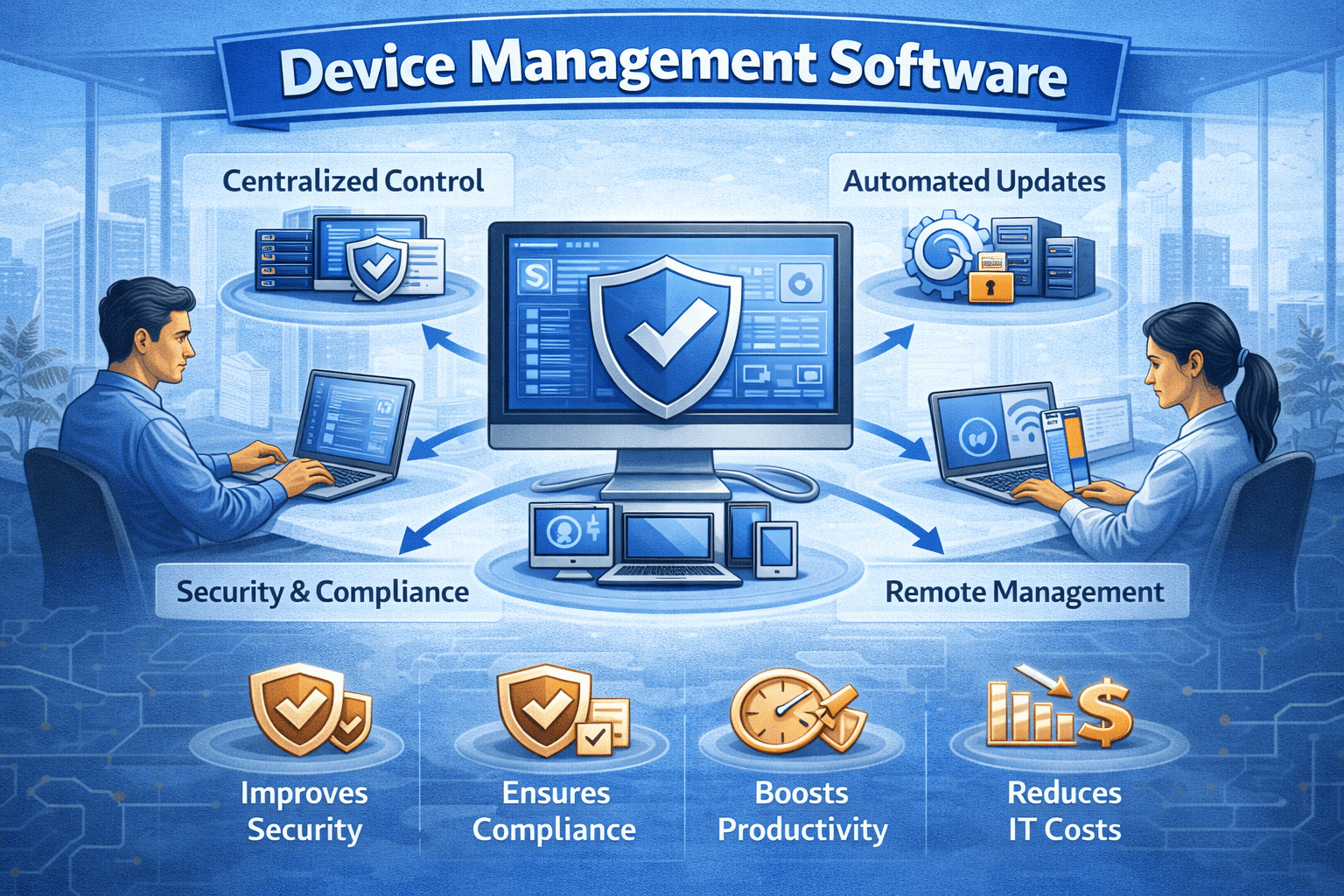
Device management software is a centralized solution that allows organizations to monitor, manage, secure, and control all connected devices across a network. These devices—also known as endpoints—include desktops, laptops, mobile devices, servers, and virtual machines.
Unlike traditional IT tools, modern device management software provides real-time visibility and automated control. It ensures devices remain compliant, updated, and protected against cyber threats regardless of location.
Common Device Types Managed:
Employee laptops and desktops
Mobile phones and tablets
Servers and virtual machines
Remote and hybrid work devices
IoT and specialized industry devices
Effective device management software acts as the backbone of endpoint security and operational efficiency.
Why Device Management Software Is Essential Today
The modern workplace is no longer confined to a single office or network. Employees work remotely, access cloud applications, and connect from multiple locations daily. This expanded attack surface makes unmanaged devices a serious security risk.
Device management software helps organizations:
Maintain control over distributed devices
Enforce security policies consistently
Reduce cyberattack risks
Prevent data loss and breaches
Improve operational efficiency
For IT managers and executives, device visibility is the first step toward stronger cybersecurity.
How Device Management Software Works
Device management software operates through a centralized dashboard that connects to all enrolled devices. Once connected, IT teams can monitor status, deploy updates, enforce policies, and respond to threats in real time.
Core Functions Include:
Device enrollment and authentication
Policy enforcement and configuration
Software deployment and patching
Security monitoring and alerts
Remote troubleshooting and control
Advanced device management software integrates automation and analytics to reduce manual workloads and improve response times.
Device Management Software vs Traditional IT Tools
Many organizations still rely on fragmented IT tools that manage devices in isolation. This approach creates blind spots and increases security risk.
| Feature | Traditional IT Tools | Device Management Software |
|---|---|---|
| Centralized Control | Limited | Full visibility |
| Remote Management | Basic | Advanced |
| Security Enforcement | Manual | Automated |
| Scalability | Low | High |
| Compliance Reporting | Weak | Strong |
Modern device management software provides a unified approach that aligns with today’s dynamic IT environments.
Key Features to Look for in Device Management Software
Not all platforms offer the same capabilities. When evaluating device management software, prioritize these essential features.
1. Centralized Device Control
A single dashboard should provide real-time insights into device health, usage, and security status.
2. Automated Patch Management
Outdated software is a common attack vector. Automated updates reduce vulnerabilities.
3. Endpoint Security Integration
Strong device management software integrates seamlessly with endpoint detection and response (EDR) tools.
4. Policy Enforcement
Security policies should apply automatically across all devices, regardless of location.
5. Remote Access and Support
Remote troubleshooting saves time and minimizes downtime.
Device Management Software for IT Managers
IT managers face increasing pressure to manage more devices with fewer resources. Manual management is inefficient and error-prone.
Device management software helps IT teams:
Reduce administrative workload
Automate routine tasks
Gain real-time device visibility
Respond faster to security incidents
Ensure compliance across endpoints
With centralized control, IT teams can focus on strategic initiatives instead of daily firefighting.
Device Management Software for CEOs and Founders
For business leaders, unmanaged devices represent financial, legal, and reputational risks. A single compromised endpoint can disrupt operations or expose sensitive data.
Device management software provides executives with:
Reduced cybersecurity risk
Improved business continuity
Better regulatory compliance
Enhanced employee productivity
Greater visibility into IT operations
Strong device management isn’t just an IT investment—it’s a business protection strategy.
Security Benefits of Device Management Software
Cybersecurity threats increasingly target endpoints as the weakest link. Device management software strengthens defenses by enforcing consistent security controls.
Security Advantages Include:
Continuous device monitoring
Rapid threat isolation
Reduced attack surface
Controlled access to corporate resources
Improved incident response
When paired with advanced endpoint security, device management software significantly lowers breach risks.
Device Management Software in Remote and Hybrid Work Environments
Remote work has permanently changed how organizations operate. Devices now connect from home networks, shared spaces, and public Wi-Fi.
Modern device management software enables:
Secure remote device enrollment
Policy enforcement outside the office
Protection against unsecured networks
Continuous monitoring of off-site devices
This flexibility ensures security without sacrificing productivity.
Compliance and Device Management Software
Many industries must comply with strict regulations related to data protection and access control. Device management software simplifies compliance by providing visibility and reporting.
It supports compliance with:
GDPR
HIPAA
ISO standards
SOC 2
Industry-specific regulations
Automated reporting and policy enforcement reduce audit stress and compliance gaps.
Best Practices for Implementing Device Management Software
Successful deployment requires planning and strategy. Below are best practices to maximize value.
Actionable Tips:
Start with device inventory and classification
Define clear security policies
Automate patching and updates
Limit admin privileges
Monitor devices continuously
Train employees on device security
Combining best practices with strong device management software creates a resilient IT environment.
Device Management Software and Zero Trust Security
Zero Trust security models assume no device or user should be trusted by default. Device management software plays a critical role in enforcing this approach.
Key Zero Trust benefits include:
Continuous device verification
Access based on device health
Reduced lateral movement for attackers
Stronger protection for sensitive data
Zero Trust and device management software work together to strengthen modern security architectures.
The Future of Device Management Software
As technology evolves, device management software continues to advance. Future-focused platforms emphasize automation, AI, and predictive security.
Emerging trends include:
AI-driven device analytics
Automated threat response
Cloud-native management platforms
Unified endpoint management (UEM)
Deeper security integrations
Organizations that adopt modern solutions today will be better prepared for tomorrow’s challenges.
Frequently Asked Questions (FAQs)
1. What is device management software used for?
Device management software is used to monitor, secure, and control all connected devices from a centralized platform.
2. Is device management software only for large enterprises?
No. Businesses of all sizes benefit from device management software, especially those with remote or hybrid teams.
3. How does device management software improve security?
It enforces security policies, monitors device activity, automates updates, and helps prevent unauthorized access.
4. Can device management software manage mobile devices?
Yes. Most modern platforms support laptops, desktops, smartphones, tablets, and other endpoints.
5. Does device management software affect device performance?
Well-designed solutions are lightweight and optimized to provide security without impacting performance.
Final Thoughts: Gain Control Before Risks Multiply
The number of connected devices will only continue to grow. Without visibility and control, organizations face increased security risks, compliance challenges, and operational inefficiencies. Device management software provides the foundation needed to secure endpoints, streamline IT operations, and support business growth.
Don’t wait until unmanaged devices become a liability.
👉 Take control of your device security today:
Register now: https://openedr.platform.xcitium.com/register/

 Loading...