Updated on November 14, 2025, by OpenEDR
If your organization handles sensitive data, runs cloud apps, or supports remote employees, data center solutions are at the heart of your daily operations. But what exactly makes them so essential? As cyber threats rise, downtime becomes more expensive, and AI workloads grow, choosing the right data center setup isn’t optional — it’s strategic.
In this guide, we’ll break down what data center solutions are, how they work, the types available, and how companies can strengthen performance, security, and uptime with the right technologies.
Let’s dive in.
What Are Data Center Solutions?
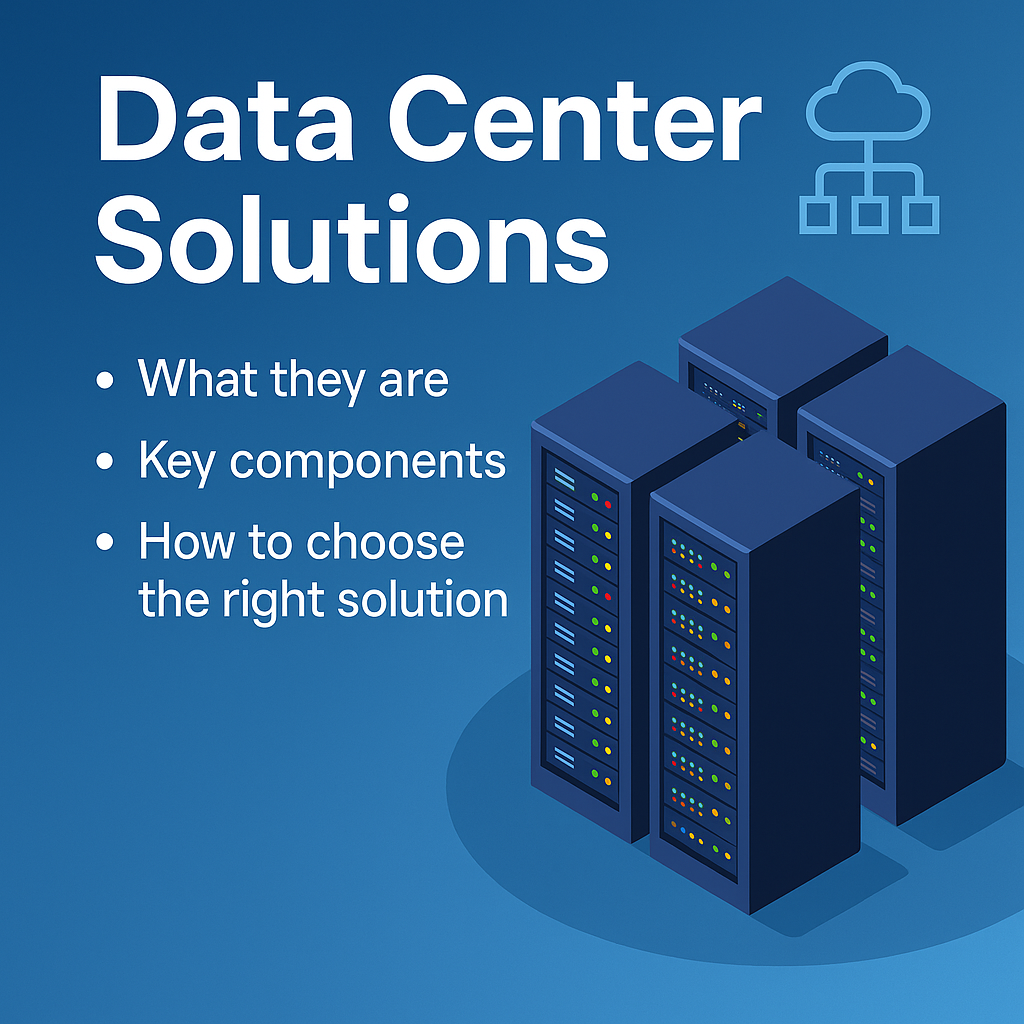
Data center solutions refer to the technologies, services, and infrastructure that allow organizations to store, manage, secure, and deliver data efficiently. These include physical hardware (servers, storage, networking), cloud environments, virtualization, security tools, and disaster recovery systems.
In simple words:
➡️ Data center solutions ensure your applications run, your systems stay secure, and your business stays online — no matter what.
Why Data Center Solutions Matter More Than Ever
Here’s why modern businesses rely heavily on advanced data center systems:
Cyber threats are more complex and frequent
Remote and hybrid workforces require always-available systems
AI and big data workloads need high-performance computing
Downtime costs organizations an average of $300,000 per hour
Compliance laws demand better data protection and auditing
Whether you’re running on-premise hardware, cloud infrastructure, or hybrid models, the right data center solutions determine your organization’s speed, security, and scalability.
Types of Data Center Solutions
Data centers are not one-size-fits-all. Here are the key solution types organizations commonly use:
1. On-Premises Data Center Solutions
These solutions sit physically within your organization’s building and are fully managed by your internal IT team.
Pros
Full control over infrastructure
Improved physical security
Customizable setups
Cons
High hardware & maintenance costs
Requires in-house expertise
Scaling can be slow and expensive
Best for:
Organizations that must keep data in-house for compliance or privacy reasons.
2. Cloud Data Center Solutions
Cloud data centers are hosted by providers like AWS, Microsoft Azure, or Google Cloud. You rent computing power rather than owning servers.
Pros
Flexible and easy to scale
Lower upfront cost
Quick deployment
Cons
Ongoing subscription fees
Shared responsibility model may confuse teams
Best for:
Businesses needing agility and rapid expansion.
3. Hybrid Data Center Solutions
A mix of on-premises and cloud infrastructure.
Why companies love hybrid:
Balance of control + flexibility
Ideal for regulated industries
Smooth transition from legacy systems
Hybrid environments are becoming the new standard, especially for enterprises adopting AI and automation.
4. Colocation Data Center Solutions
Colocation facilities allow companies to place their hardware in someone else’s secure, climate-controlled building.
Advantages
Physical security and redundancy
High-speed connectivity
Lower cost than running an in-house facility
Best for:
Companies needing reliability without building their own facility.
Key Components of Modern Data Center Solutions
Whether you choose cloud or on-premises, every strong data center setup includes these essential components:
1. Servers and Compute Power
Servers handle application processing, virtualization, and AI workloads.
Modern compute technologies include:
High-performance multicore processors
GPU-accelerated AI compute
Virtual machines (VMs)
Containers (Docker, Kubernetes)
2. Storage Systems
Data needs secure, efficient, and scalable storage.
Common storage types:
SAN (Storage Area Network)
NAS (Network Attached Storage)
Object storage (for cloud apps)
AI workloads often require object storage for faster scalability.
3. Network Infrastructure
This includes:
Switches
Routers
Firewalls
Load balancers
Network architecture determines uptime, speed, and user experience.
4. Data Center Security Solutions
Security is one of the most important parts of modern data centers.
Security layers include:
Firewalls
Zero-trust access controls
Network segmentation
Intrusion detection and prevention
Data Loss Prevention (DLP)
Endpoint security (EDR/XDR)
Ransomware containment
Because today’s threats don’t just target networks—they target identities, endpoints, and cloud services.
5. Cooling, Power, and Redundancy
Data centers run hot, and downtime is costly.
Critical infrastructure includes:
HVAC and cooling systems
Backup generators
UPS (uninterruptible power supply)
Redundant networking
These systems guarantee uptime even during mechanical failures or disasters.
Top Benefits of Data Center Solutions
1. Better Performance
Apps run faster and more reliably with optimized compute and networking.
2. Improved Security
Modern solutions block ransomware, prevent intrusion, and secure cloud workloads.
3. Reduced Downtime
Redundant systems ensure service continuity.
4. Scalability
Businesses can expand storage, compute, and network capacity instantly.
5. Compliance & Governance
Solutions help organizations meet regulations like:
GDPR
HIPAA
PCI DSS
CCPA
6. Cost Efficiency
Cloud and virtualization reduce hardware costs significantly.
How to Choose the Right Data Center Solution
Choosing the right setup depends on your business needs.
Ask your IT team the following questions:
Do we require strict data privacy or compliance?
What workloads need high performance or low latency?
Do we need rapid scaling?
Do we prefer CAPEX or OPEX spending?
How mature is our IT/security team?
What backup and disaster recovery capabilities do we need?
Best Practices for Strengthening Your Data Center
1. Implement Zero-Trust Security
Never trust, always verify.
2. Use Network Segmentation
Limits the spread of malware.
3. Deploy Ransomware Containment
Stops unknown threats instantly before they move laterally.
4. Prioritize Monitoring & Logging
Tools like SIEM and NDR help detect threats early.
5. Automate Where Possible
AI-powered automation improves efficiency and reduces human error.
6. Maintain Regular Backups
Follow the 3-2-1 backup rule:
3 copies, 2 different media types, 1 offsite.
Conclusion: Build a Stronger, More Secure Data Center
Your data center is the engine that powers your business. With the right data center solutions, you can enhance performance, strengthen security, reduce downtime, and support modern digital transformation.
If you’re ready to upgrade your data center security or performance, explore intelligent protection platforms like Xcitium.
👉 Get started today:
https://openedr.platform.xcitium.com/register/
Frequently Asked Questions
1. What are data center solutions?
They are the technologies and services used to store, manage, secure, and process data in enterprise environments.
2. What is the difference between cloud and on-premises data centers?
Cloud is flexible and subscription-based, while on-premises gives you full control of physical hardware.
3. How do companies secure data centers?
They use firewalls, endpoint protection, zero-trust access control, encryption, and ransomware containment.
4. What industries benefit most from data center solutions?
Finance, healthcare, manufacturing, government, tech, and retail.
5. What is the biggest challenge in modern data centers?
Balancing security with scalability as cyber threats and workloads continue to grow.

 Loading...