Updated on March 17, 2026, by OpenEDR
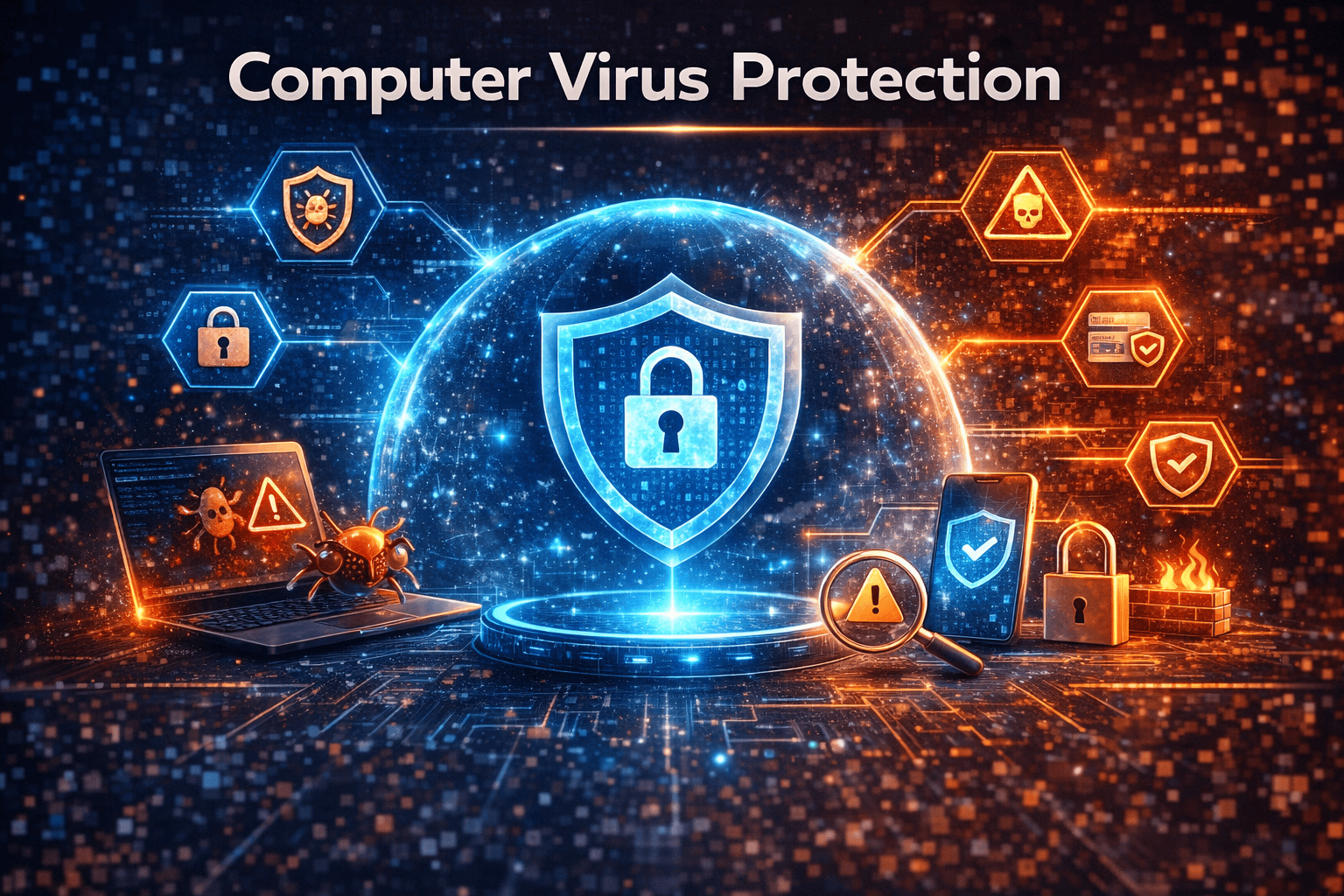
Cyber threats are evolving faster than ever. A single malicious file can compromise your data, steal credentials, or shut down business operations. That’s why computer virus protection is no longer optional—it’s a critical layer of defense for individuals and organizations alike.
Every day, thousands of new malware variants appear online. Hackers use phishing emails, malicious downloads, and infected websites to distribute them. Without strong computer virus protection, your system could become an easy target.
Whether you’re an IT manager protecting corporate infrastructure or a business owner safeguarding sensitive data, understanding how computer virus protection works is essential. This guide explains what computer viruses are, how protection tools work, and the best practices to keep your devices secure.
What Is Computer Virus Protection?
Computer virus protection refers to security tools and practices designed to detect, block, and remove malicious software from devices. These solutions protect systems against viruses, malware, ransomware, spyware, and other cyber threats.
A typical computer virus protection solution includes:
Real-time malware detection
Threat scanning and removal
Email protection against malicious attachments
Web protection against dangerous websites
Behavior monitoring to identify suspicious activity
Modern cybersecurity tools combine signature-based detection, behavioral analysis, and AI-driven threat intelligence to prevent infections before they spread.
For organizations, strong computer virus protection helps maintain operational continuity and prevent costly breaches.
Why Computer Virus Protection Is Essential
Cyberattacks are becoming more sophisticated and frequent. Businesses of all sizes are targeted because attackers know that a single vulnerability can open the door to sensitive data.
Here are key reasons why computer virus protection is crucial.
1. Prevents Malware Infections
Viruses and malware can infiltrate systems through downloads, email attachments, or compromised websites. Proper computer virus protection scans files and blocks threats before they execute.
2. Protects Sensitive Data
Data breaches can expose customer information, financial records, and confidential company data. With strong computer virus protection, organizations reduce the risk of unauthorized access.
3. Stops Ransomware Attacks
Ransomware encrypts files and demands payment for recovery. Advanced computer virus protection detects suspicious behavior and stops ransomware before it spreads across the network.
4. Maintains System Performance
Malware often runs hidden processes that slow down devices. Effective computer virus protection keeps systems optimized and running smoothly.
5. Ensures Business Continuity
Cyber incidents can halt operations and damage reputation. With reliable computer virus protection, organizations can minimize downtime and maintain productivity.
How Computer Viruses Infect Systems
Understanding infection methods helps organizations strengthen their computer virus protection strategy.
Here are common ways viruses spread.
Phishing Emails
Attackers send emails containing malicious links or attachments. Once opened, malware installs silently.
Malicious Downloads
Downloading software from untrusted sources often introduces hidden malware.
Infected Websites
Some websites host malicious scripts that automatically download malware onto devices.
USB Drives and External Devices
Portable storage devices can carry infected files that spread across networks.
Software Vulnerabilities
Outdated software with unpatched vulnerabilities provides easy entry points for attackers.
Strong computer virus protection blocks these threats before they compromise systems.
Types of Computer Viruses and Malware
Cybercriminals use different types of malware to attack systems. A strong computer virus protection solution can detect and block these threats.
File Infector Viruses
These viruses attach themselves to executable files. When the program runs, the virus spreads to other files.
Macro Viruses
Macro viruses infect documents such as Word or Excel files. Opening the file triggers malicious scripts.
Worms
Unlike traditional viruses, worms spread automatically across networks without user interaction.
Trojan Horses
Trojans disguise themselves as legitimate software but secretly install malware once executed.
Ransomware
Ransomware encrypts files and demands payment for their release.
A reliable computer virus protection platform identifies these threats and stops them before they cause damage.
Key Features of Effective Computer Virus Protection
Not all antivirus solutions provide the same level of security. When choosing computer virus protection, look for these essential features.
Real-Time Threat Detection
Real-time scanning monitors files, downloads, and system activity to stop threats instantly.
Behavioral Analysis
Advanced tools analyze program behavior rather than relying solely on virus signatures.
Automatic Updates
Cyber threats evolve quickly. Regular updates ensure your computer virus protection recognizes the latest malware.
Email and Web Protection
Protection against phishing attacks and malicious websites prevents infections before they reach your device.
Cloud-Based Threat Intelligence
Modern computer virus protection solutions use global threat intelligence to detect new attacks faster.
Best Practices for Computer Virus Protection
Even the best antivirus software needs proper security practices to remain effective. Follow these tips to strengthen your computer virus protection strategy.
1. Keep Software Updated
Outdated software contains vulnerabilities hackers exploit. Regular updates close these security gaps.
2. Use Strong Passwords
Weak passwords make it easy for attackers to gain access. Implement strong password policies and password managers.
3. Enable Multi-Factor Authentication (MFA)
MFA adds an extra layer of security beyond passwords.
4. Avoid Suspicious Links and Attachments
Phishing emails remain a major source of malware infections.
5. Perform Regular System Scans
Schedule frequent scans to detect hidden threats.
6. Backup Important Data
Data backups help organizations recover quickly after a ransomware attack.
7. Train Employees on Cybersecurity Awareness
Human error is one of the biggest security risks. Training reduces accidental infections.
Combining these practices with robust computer virus protection significantly reduces cyber risks.
Computer Virus Protection for Businesses
Businesses face larger attack surfaces than individual users. Corporate networks contain multiple endpoints, cloud services, and sensitive data.
For enterprises, computer virus protection should include:
Endpoint security for all devices
Network threat monitoring
Email security solutions
Vulnerability management tools
Centralized security dashboards
IT teams must also implement incident response plans to quickly contain threats.
Strong computer virus protection allows organizations to detect and respond to attacks before they escalate into major breaches.
The Role of AI in Modern Computer Virus Protection
Artificial intelligence has transformed how cybersecurity tools operate.
Traditional antivirus relied heavily on signature-based detection. However, new malware variants often bypass these methods.
AI-driven computer virus protection analyzes patterns and behavior to identify threats that haven’t been seen before.
Benefits of AI-powered protection include:
Faster threat detection
Reduced false positives
Predictive threat analysis
Automated response to attacks
This technology enables security teams to stay ahead of constantly evolving cyber threats.
Common Signs Your Computer Has a Virus
Even with strong computer virus protection, it’s important to recognize early warning signs.
Watch for these indicators:
Slow system performance
Unexpected pop-ups or ads
Unknown programs installed
Browser redirects to suspicious sites
Disabled security software
Frequent system crashes
If you notice these symptoms, run a full system scan using your computer virus protection software immediately.
Future Trends in Computer Virus Protection
Cybersecurity is constantly evolving as attackers develop new techniques.
Here are emerging trends shaping the future of computer virus protection:
Zero-Trust Security
Zero-trust models verify every user and device before granting access.
Cloud-Based Security Platforms
Cloud security enables faster updates and centralized management.
Extended Detection and Response (XDR)
XDR platforms combine endpoint, network, and cloud monitoring.
Automation and AI
Automated threat response reduces response times and security workloads.
Organizations that adopt advanced computer virus protection strategies will be better prepared for future threats.
Final Thoughts
Cyber threats are not slowing down. As malware becomes more sophisticated, individuals and businesses must take proactive steps to secure their systems.
Implementing strong computer virus protection is one of the most effective ways to prevent data breaches, ransomware attacks, and operational disruptions.
By combining modern antivirus tools with smart cybersecurity practices, organizations can stay ahead of emerging threats and protect valuable digital assets.
If you want to strengthen your security posture and protect your organization from cyber threats, start implementing reliable computer virus protection today.
👉 Get started here:
https://openedr.platform.xcitium.com/register/
FAQ: Computer Virus Protection
What is computer virus protection?
Computer virus protection is software and security practices designed to detect, block, and remove viruses, malware, and other cyber threats from devices.
How often should I scan my computer for viruses?
It’s recommended to run automatic scans weekly and perform full scans whenever you suspect suspicious activity.
Can antivirus software remove all viruses?
Most modern computer virus protection tools can remove known malware. However, advanced threats may require specialized security tools or professional remediation.
Is free antivirus enough for businesses?
Free antivirus tools provide basic protection, but businesses usually require advanced computer virus protection with endpoint security, threat monitoring, and centralized management.
What is the difference between malware and a virus?
A virus is a type of malware that spreads by attaching itself to files. Malware is a broader term that includes viruses, ransomware, spyware, worms, and trojans.

 Loading...