Updated on March 16, 2026, by OpenEDR
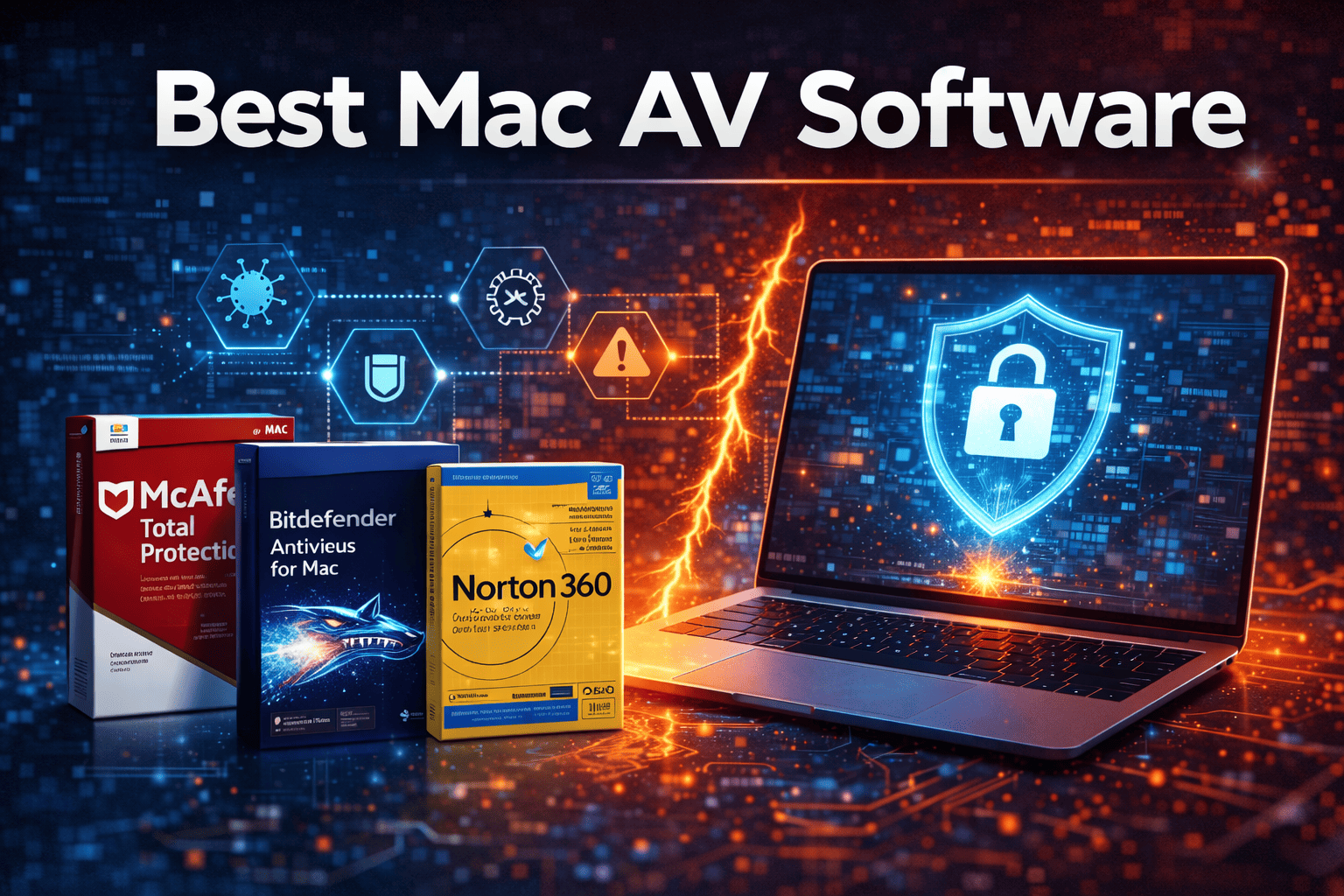
Many people believe Macs don’t need antivirus protection. However, that assumption is becoming increasingly dangerous. As Apple devices gain popularity in business and personal use, cybercriminals are paying more attention to macOS systems. That’s why choosing the best Mac AV software is essential for protecting your device, sensitive data, and online activities.
Mac malware, phishing attacks, and adware campaigns have increased significantly in recent years. While macOS has built-in security tools, they are not always enough to stop advanced threats. Businesses, cybersecurity professionals, and IT managers must consider additional layers of protection.
The best Mac AV software helps detect malware, block malicious websites, prevent phishing attempts, and protect devices from ransomware attacks. Whether you are an IT manager securing company laptops or a CEO protecting confidential business data, the right security solution can make a significant difference.
In this guide, we’ll explore what makes the best Mac AV software, key features to look for, and how organizations can strengthen macOS security.
Why Mac Devices Need Antivirus Protection
Apple has built a reputation for strong security, but macOS systems are not immune to cyber threats. As Mac adoption grows, attackers are developing more sophisticated malware designed specifically for Apple devices.
The best Mac AV software helps close the security gaps that built-in protections may not address.
Rising Mac Malware Threats
Cybersecurity researchers have identified several threats targeting macOS systems, including:
Mac ransomware attacks
Adware and spyware infections
Fake software installers
Browser hijackers
Cryptocurrency mining malware
These threats can compromise personal data, slow down systems, and even lead to financial losses.
Macs in Business Environments
Many organizations now deploy Mac devices across their workforce. As a result, cybersecurity teams must ensure these devices remain protected.
The best Mac AV software adds enterprise-grade protection that helps prevent malware infections and protect corporate networks.
What Is Mac Antivirus Software?
Mac antivirus software is a security application designed specifically for macOS devices. It scans files, monitors system activity, and blocks suspicious behavior that could indicate a cyber threat.
The best Mac AV software works in real time to protect users against evolving cyber attacks.
Core Functions of Mac Antivirus Software
Most Mac antivirus programs provide the following capabilities:
Malware scanning and removal
Real-time threat detection
Web protection against malicious sites
Phishing attack prevention
Ransomware protection
System vulnerability monitoring
These features help ensure that Mac devices remain secure even as new threats emerge.
Key Features of the Best Mac AV Software
Not all antivirus solutions offer the same level of protection. To find the best Mac AV software, organizations should evaluate several critical features.
1. Real-Time Threat Protection
Real-time scanning is one of the most important features of any antivirus solution.
The best Mac AV software continuously monitors system activity to detect malicious behavior before it spreads.
Real-time protection helps block:
Malware downloads
Suspicious file executions
Unauthorized system modifications
This proactive approach prevents many attacks before they can cause damage.
2. Advanced Malware Detection
Cyber threats targeting macOS are becoming more complex. The best Mac AV software uses advanced detection techniques to identify new and unknown threats.
Modern detection methods include:
Behavior-based analysis
Machine learning threat detection
Heuristic scanning
Cloud-based threat intelligence
These technologies allow antivirus solutions to detect malware even if it has never been seen before.
3. Web and Phishing Protection
Phishing remains one of the most common cyber attack methods. Attackers often create fake websites designed to steal login credentials or financial information.
The best Mac AV software includes web protection tools that:
Block malicious websites
Warn users about suspicious links
Prevent phishing attacks
This protection is especially important for employees who frequently browse the web for work.
4. Ransomware Defense
Ransomware attacks can lock users out of their files and demand payment to restore access.
The best Mac AV software includes ransomware protection that monitors file activity and stops unauthorized encryption attempts.
This helps safeguard valuable data from being held hostage by cybercriminals.
5. Privacy and Data Protection
Modern antivirus software also protects user privacy.
Many of the best Mac AV software solutions include tools such as:
Webcam protection
Data encryption
Secure browsing modes
VPN integration
These features help protect sensitive information from hackers and surveillance.
Benefits of Using the Best Mac AV Software
Installing reliable antivirus protection provides numerous benefits for both individuals and organizations.
Improved Device Security
The best Mac AV software helps prevent malware infections that could compromise your system.
This reduces the risk of:
Data theft
System crashes
Unauthorized access
Protection Against Zero-Day Threats
Zero-day threats exploit previously unknown vulnerabilities.
Advanced antivirus solutions use behavioral detection to identify suspicious activity before security patches are released.
Safer Online Activity
Web protection features help prevent users from visiting malicious websites.
This is particularly important for businesses where employees may unknowingly click unsafe links.
Enhanced Business Security
For organizations, the best Mac AV software provides an additional security layer that protects corporate networks.
When endpoint devices remain secure, the risk of larger data breaches decreases.
Best Practices for Mac Security
Even with the best Mac AV software, users should follow strong cybersecurity practices.
1. Keep macOS Updated
Apple regularly releases security patches that fix vulnerabilities.
Always install updates as soon as they become available.
2. Avoid Suspicious Downloads
Malicious software often disguises itself as legitimate applications.
Only download programs from trusted sources.
3. Use Strong Passwords
Weak passwords can expose accounts to cyber attacks.
Use complex passwords and enable multi-factor authentication whenever possible.
4. Monitor System Activity
Unusual system behavior could indicate malware infection.
Regularly check for unexpected processes or system slowdowns.
5. Train Employees on Cybersecurity
For organizations, employee awareness is critical.
Training helps staff recognize phishing attempts and avoid unsafe downloads.
Mac Security for Businesses and IT Teams
As Mac devices become more common in corporate environments, security teams must develop stronger protection strategies.
Deploying the best Mac AV software across company devices helps reduce cybersecurity risks.
Endpoint Security for Mac Devices
Endpoint protection solutions help monitor multiple devices across an organization.
These tools allow IT teams to:
Detect threats quickly
Manage device security remotely
Enforce security policies
Network Protection
Compromised endpoints can provide attackers with access to corporate networks.
Using reliable Mac antivirus software helps prevent this type of attack.
Compliance and Data Protection
Many industries require organizations to follow strict cybersecurity regulations.
The best Mac AV software helps businesses maintain compliance by protecting sensitive data.
The Future of Mac Cybersecurity
Cyber threats targeting macOS are expected to grow as Apple devices continue gaining popularity.
Future security technologies may include:
AI-driven malware detection
Behavioral analytics for threat identification
Zero-trust security frameworks
Integrated endpoint protection platforms
Organizations that invest in modern cybersecurity tools will be better prepared to defend against evolving threats.
Frequently Asked Questions (FAQ)
Do Macs really need antivirus software?
Yes. While macOS includes built-in security features, it cannot detect every cyber threat. The best Mac AV software provides additional protection against malware, phishing, and ransomware.
What is the best Mac AV software for businesses?
The best Mac AV software for businesses includes solutions with real-time threat detection, centralized management tools, and advanced malware protection.
Can Macs get viruses?
Yes. Although less common than Windows malware, Mac systems can still be infected by viruses, adware, ransomware, and spyware.
Does antivirus slow down Mac performance?
Modern antivirus solutions are designed to run efficiently in the background with minimal impact on system performance.
Is free Mac antivirus software enough?
Free antivirus tools may provide basic protection, but premium solutions often offer stronger security features such as ransomware protection and advanced threat detection.
Strengthen Your Cybersecurity Knowledge Today
Mac devices are powerful and secure, but they still require proper protection against modern cyber threats. Choosing the best Mac AV software is an important step toward safeguarding your data, devices, and business operations.
Cybersecurity threats continue evolving, making ongoing education essential for IT professionals and business leaders.
👉 Register for cybersecurity training today:
https://openedr.platform.xcitium.com/register/
Learn how to protect your systems, understand emerging threats, and strengthen your organization’s cybersecurity strategy.

 Loading...