Updated on May 25, 2026, by OpenEDR
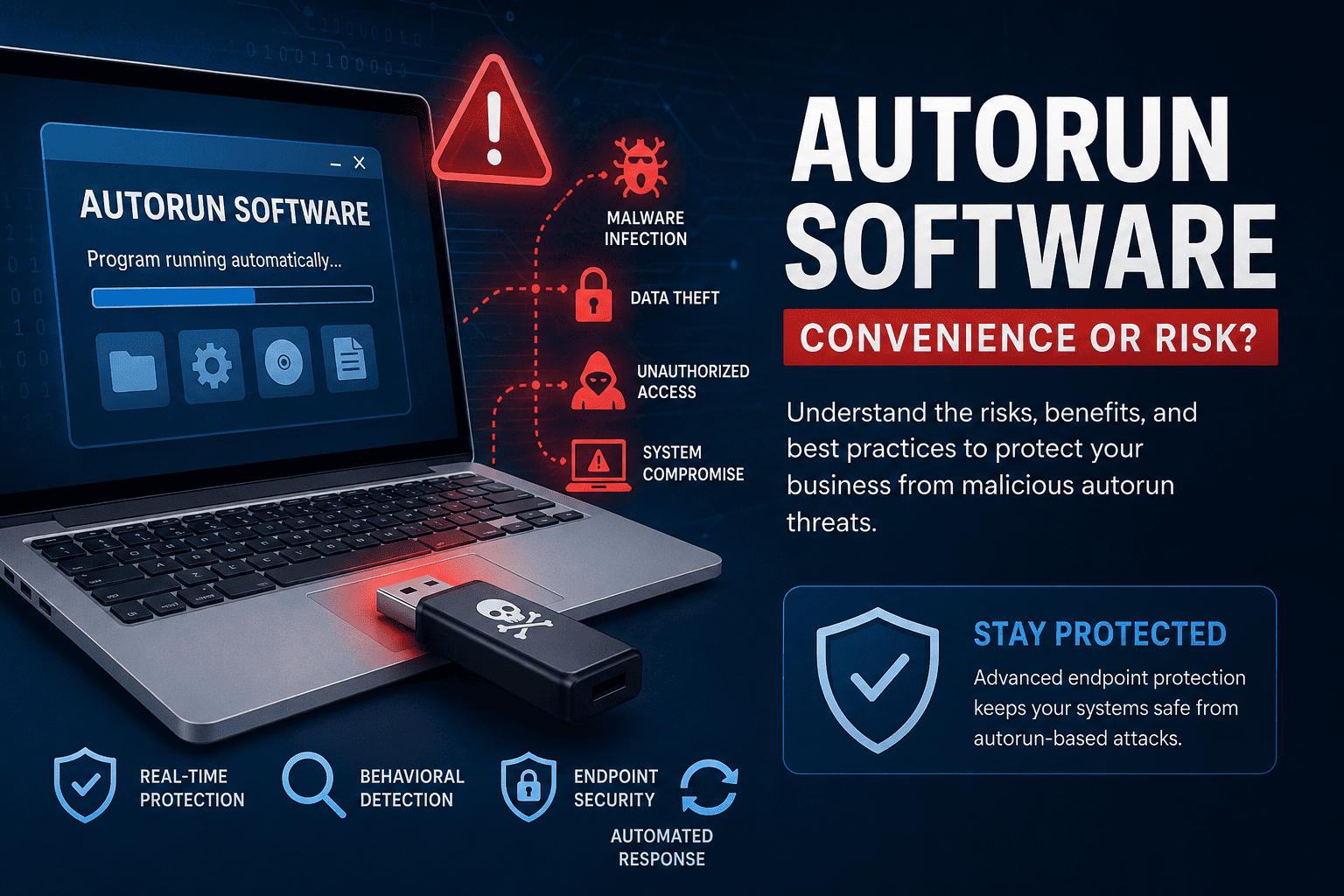
Have you ever plugged a USB drive into a computer and watched a program launch automatically? That process is often powered by autorun software. While autorun functionality can improve convenience and automation, it also creates serious cybersecurity risks if left unmanaged.
Cybercriminals frequently abuse autorun software to spread malware, ransomware, spyware, and other malicious programs across endpoints and networks. In fact, some of the most damaging malware campaigns in history used autorun mechanisms to infect systems rapidly.
For businesses, autorun software is no longer just an IT convenience feature. It has become a critical cybersecurity concern. Organizations must understand how autorun software works, the risks it introduces, and how modern endpoint security solutions help prevent malicious autorun attacks.
In this guide, we’ll explain everything IT managers, cybersecurity teams, CEOs, and business leaders need to know about autorun software and endpoint protection.
What Is Autorun Software?
Autorun software is a feature that automatically launches a program or script when a storage device, application, or media source connects to a computer system. Operating systems often use autorun functionality to simplify software installation and automate user actions.
For example, autorun software may automatically:
- Launch setup applications
- Open media files
- Start backup utilities
- Execute installation scripts
- Trigger predefined system tasks
While autorun software improves user convenience, attackers can exploit it to execute malicious code without requiring extensive user interaction.
This is why modern cybersecurity strategies closely monitor autorun behavior on endpoints and removable media devices.
How Autorun Software Works
Autorun software typically relies on configuration files or operating system settings that define which applications should launch automatically.
On Windows systems, autorun functionality historically used:
autorun.inffiles- Startup scripts
- Registry-based startup entries
- Scheduled tasks
When removable media such as USB drives or CDs connect to a device, the operating system checks for autorun instructions and launches the associated application automatically.
Unfortunately, malware authors discovered they could hide malicious payloads within autorun processes.
As a result, autorun software became a common malware delivery technique.
Why Autorun Software Creates Cybersecurity Risks
Modern cyberattacks often target endpoint devices because they provide direct access to users, applications, and business data. Autorun software can become a dangerous attack vector when attackers exploit automatic execution processes.
Malware Propagation
Malicious autorun scripts can automatically install malware when infected devices connect to endpoints.
Common malware distributed through autorun software includes:
- Trojans
- Worms
- Spyware
- Ransomware
- Keyloggers
- Remote access trojans (RATs)
Once executed, malware may spread rapidly across networks and compromise sensitive systems.
USB-Based Cyberattacks
USB devices remain a major cybersecurity risk for businesses.
Attackers may intentionally leave infected USB drives in public locations, hoping employees connect them to corporate devices. Once inserted, malicious autorun software can execute automatically.
This tactic has been used in targeted attacks against:
- Government agencies
- Manufacturing companies
- Healthcare organizations
- Financial institutions
- Critical infrastructure providers
Fileless Malware Execution
Some advanced attacks use autorun software to launch fileless malware directly in memory.
Fileless attacks avoid traditional signature-based antivirus detection by:
- Running scripts in memory
- Exploiting PowerShell
- Using legitimate system tools
- Avoiding file installation
Modern endpoint protection solutions use behavioral analysis to detect suspicious autorun behavior before malware executes fully.
Common Types of Autorun Malware
Cybercriminals use several types of malware that rely on autorun software mechanisms.
Autorun Worms
Autorun worms spread automatically between removable devices and network-connected systems.
These worms can:
- Replicate quickly
- Infect multiple endpoints
- Disable security tools
- Steal sensitive data
Trojan-Based Autorun Malware
Trojans disguise themselves as legitimate applications while secretly installing malicious code.
Once activated through autorun software, trojans may:
- Create backdoors
- Steal credentials
- Monitor user activity
- Download additional malware
Ransomware Delivered Through Autorun
Some ransomware attacks use autorun software to launch encryption routines automatically when infected media devices connect to endpoints.
This can result in:
- Data loss
- Operational downtime
- Financial damage
- Compliance violations
Signs of Malicious Autorun Activity
Organizations should monitor endpoints for suspicious autorun behavior.
Common warning signs include:
- Unknown programs launching automatically
- Unexpected USB activity
- Slow system performance
- Unauthorized startup applications
- Security software disabling unexpectedly
- High CPU or network usage
- Unknown scripts executing in the background
- Suspicious registry modifications
Behavioral endpoint detection tools help identify these indicators early.
How Endpoint Protection Stops Autorun Threats
Modern endpoint protection solutions play a critical role in defending against malicious autorun software.
Unlike traditional antivirus tools, advanced endpoint security platforms continuously monitor endpoint activity and behavioral indicators.
Behavioral Analysis
Behavioral analysis helps detect suspicious autorun execution patterns.
Security platforms monitor:
- Script execution
- Registry changes
- File activity
- PowerShell usage
- Suspicious process creation
This allows organizations to stop unknown threats before they spread.
Real-Time Threat Detection
Real-time endpoint monitoring identifies malicious autorun activity immediately.
Advanced security tools can:
- Block unauthorized execution
- Quarantine infected files
- Isolate compromised endpoints
- Prevent lateral movement
This significantly reduces ransomware and malware risks.
Edpoint Detection and Response (EDR)
Endpoint Detection and Response (EDR) solutions provide visibility into endpoint activity and attack timelines.
EDR tools help security teams:
- Investigate autorun-related attacks
- Track malicious behavior
- Analyze attack chains
- Automate threat containment
Modern EDR platforms are essential for defending against advanced autorun malware campaigns.
Autorun Software vs AutoPlay
Many users confuse autorun software with AutoPlay functionality.
Although related, they are different technologies.
| Feature | Autorun Software | AutoPlay |
|---|---|---|
| Primary Purpose | Automatically execute programs | Suggest actions to users |
| User Interaction | Minimal | Requires user selection |
| Security Risk | Higher | Lower |
| Malware Abuse Potential | High | Moderate |
| Common Usage | Software launches | Media playback options |
Modern operating systems increasingly restrict autorun behavior due to security concerns.
Best Practices for Managing Autorun Software
Organizations should implement strong cybersecurity controls to reduce autorun-related risks.
Disable Autorun on Business Devices
Many businesses disable autorun functionality entirely to reduce malware exposure.
This is especially important for:
- Remote workforces
- Shared systems
- Public-facing devices
- Critical infrastructure
Restrict USB Device Usage
USB control policies help reduce removable media risks.
Businesses should:
- Limit unauthorized USB devices
- Monitor removable media activity
- Encrypt approved storage devices
- Implement device access controls
Use Advanced Endpoint Protection
Modern endpoint protection solutions provide layered defense against autorun malware.
Organizations should prioritize solutions with:
- Behavioral analysis
- Real-time monitoring
- EDR capabilities
- Threat intelligence
- Automated containment
Keep Systems Updated
Cybercriminals often exploit outdated software vulnerabilities.
Regular patching helps reduce exposure to autorun-based attacks.
Train Employees
Human error remains a major cybersecurity challenge.
Employees should understand:
- Risks of unknown USB devices
- Phishing attacks
- Suspicious downloads
- Safe device handling practices
Security awareness training significantly reduces endpoint compromise risks.
Industries Most at Risk From Autorun Malware
Certain industries face elevated risks because of removable device usage and large endpoint environments.
Healthcare
Hospitals frequently use portable devices and connected medical systems vulnerable to malware spread.
Manufacturing
Industrial environments often rely on USB-connected systems and operational technology (OT) devices.
Government
Government agencies remain major targets for espionage-focused malware campaigns.
Financial Services
Banks and financial institutions manage sensitive customer data that attackers actively target.
Education
Educational institutions operate large distributed endpoint environments with varying security maturity levels.
Why Traditional Antivirus Is No Longer Enough
Traditional antivirus tools mainly rely on known malware signatures.
However, modern autorun attacks increasingly use:
- Fileless malware
- Obfuscated scripts
- Zero-day exploits
- Living-off-the-land techniques
- AI-powered attack methods
Advanced endpoint protection solutions use behavioral AI and continuous monitoring to identify suspicious autorun behavior before malware fully executes.
This proactive approach helps businesses reduce dwell time and prevent widespread compromise.
The Future of Autorun Security
As cyber threats evolve, organizations must adopt more intelligent endpoint security strategies.
Future endpoint protection technologies will increasingly rely on:
- Artificial intelligence
- Behavioral analytics
- Automated remediation
- Extended Detection and Response (XDR)
- Zero Trust security frameworks
Businesses that modernize endpoint protection today will be better prepared to defend against tomorrow’s threats.
Conclusion
Autorun software provides convenience and automation, but it also creates significant cybersecurity risks when attackers exploit automatic execution processes.
Modern malware campaigns frequently abuse autorun functionality to spread ransomware, trojans, spyware, and fileless attacks across endpoint environments. Businesses must understand these risks and implement strong endpoint protection strategies to reduce exposure.
Advanced endpoint security platforms use behavioral analysis, real-time monitoring, EDR, and automated threat containment to detect suspicious autorun activity before it compromises systems.
For organizations managing large endpoint environments, proactive security is essential.
Strengthen Your Endpoint Security Today
Protect your business from autorun malware, ransomware, and advanced cyber threats with intelligent endpoint protection.
👉 Get started now: https://openedr.platform.xcitium.com/register/
Frequently Asked Questions
What is autorun software?
Autorun software automatically launches programs or scripts when removable media or applications connect to a computer system.
Why is autorun software dangerous?
Cybercriminals can abuse autorun software to execute malware automatically when infected devices connect to endpoints.
Can autorun software spread malware?
Yes. Autorun functionality has historically been used to spread worms, trojans, ransomware, and spyware through USB devices and removable media.
Should businesses disable autorun?
Many organizations disable autorun functionality to reduce malware risks and improve endpoint security.
How do endpoint protection solutions stop autorun malware?
Modern endpoint security platforms use behavioral analysis, real-time monitoring, EDR, and automated threat containment to detect and stop malicious autorun activity.

 Loading...