Updated on March 25, 2026, by OpenEDR
Do you ever feel like your smartphone holds more personal data than it should? With increasing privacy concerns, using app hide software for android has become a smart way to protect sensitive apps and information.
From banking apps to personal chats, your Android device contains critical data. Without proper protection, anyone with access to your phone can view it. That’s why many users and businesses are turning to app hide software for android to secure their digital lives.
In this guide, we’ll explore how app hiding works, why it matters, and the best solutions available today.
What Is App Hide Software for Android?
App hide software for android is a tool that allows users to conceal apps from the home screen, app drawer, or unauthorized users.
These tools typically:
- Hide apps completely
- Protect them with passwords or biometrics
- Prevent unauthorized access
In simple terms, they act as a privacy layer on top of your device.
Why You Need App Hide Software for Android
Smartphones are used for everything—from work to personal communication.
Key Reasons to Use App Hiding Tools:
- Privacy Protection: Keep personal apps hidden from others
- Data Security: Protect sensitive information
- Child Safety: Restrict access to certain apps
- Workplace Security: Secure business applications
Using app hide software for android ensures your data stays private and secure.
How App Hide Software for Android Works
Understanding how app hide software for android works helps you choose the right solution.
1. App Concealment
The software removes selected apps from:
- Home screen
- App drawer
- Search results
2. Access Control
Hidden apps can only be accessed using:
- Passwords
- PIN codes
- Fingerprint or face recognition
3. Encryption
Some tools encrypt app data for added security.
4. Stealth Mode
Advanced tools hide themselves, making detection difficult.
Best App Hide Software for Android
Here are some popular options:
1. Nova Launcher (Prime)
Pros:
- Customizable interface
- App hiding feature
Cons:
- Requires premium version
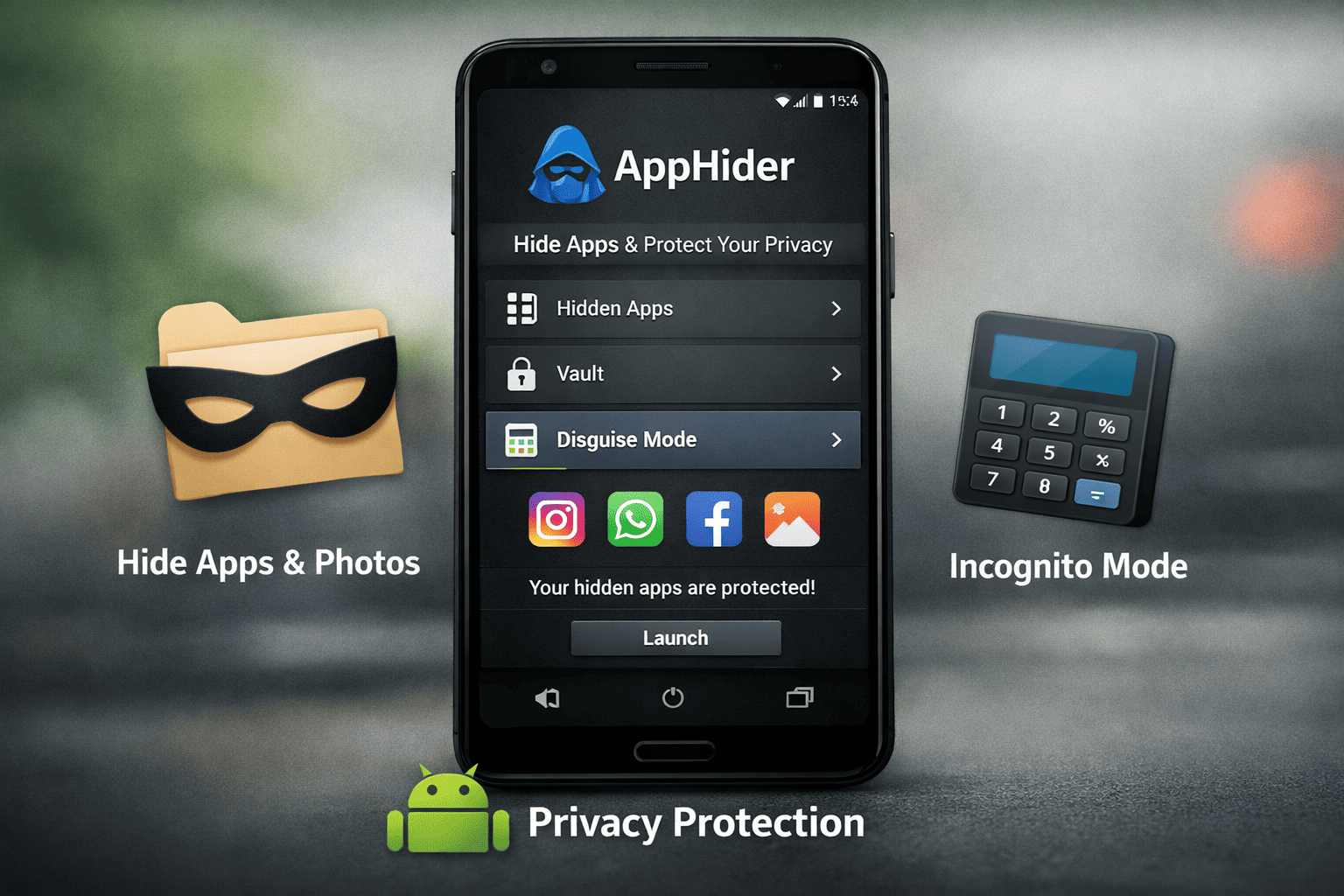
2. App Hider
Pros:
- Hides apps and files
- Supports cloning apps
Cons:
- Ads in free version
3. Calculator Vault
Pros:
- Disguised as a calculator
- Strong security features
Cons:
- May affect performance
4. Hide Apps by Samsung (Secure Folder)
Pros:
- Built-in security
- High-level encryption
Cons:
- Limited to Samsung devices
5. Apex Launcher
Pros:
- Easy to use
- Lightweight
Cons:
- Limited advanced features
Benefits of Using App Hide Software for Android
Using app hide software for android provides several advantages.
1. Enhanced Privacy
Keep personal apps away from prying eyes.
2. Improved Security
Protect sensitive data from unauthorized access.
3. Organized Interface
Reduce clutter on your home screen.
4. Parental Control
Limit access to inappropriate apps.
5. Business Protection
Secure work-related applications.
Common Risks and Challenges
While useful, app hiding tools come with risks.
Malware Risks
Some apps may contain malicious code.
Data Loss
Improper use can lead to lost data.
Compatibility Issues
Not all apps work well with hiding tools.
False Sense of Security
Hiding apps doesn’t replace full security measures.
Understanding these risks is important when using app hide software for android.
Best Practices for Using App Hide Software
To maximize security, follow these tips:
Use Trusted Apps Only
Download from official app stores.
Enable Strong Authentication
Use biometrics or complex passwords.
Keep Software Updated
Ensure you have the latest security patches.
Combine with Other Security Tools
Use antivirus and endpoint protection.
Regularly Review Hidden Apps
Remove unnecessary apps.
App Hiding vs App Locking: What’s the Difference?
Many users confuse these features.
App Hiding:
- Conceals apps completely
- Prevents visibility
App Locking:
- Keeps apps visible
- Requires authentication to open
Both can be used together for better security.
Use Cases for Businesses and IT Teams
App hide software for android is not just for personal use.
Business Applications:
- Protect corporate apps on employee devices
- Secure BYOD environments
- Prevent unauthorized access to sensitive tools
- Enhance mobile device security
For IT managers, this adds an extra layer of protection.
Role of Mobile Security in App Hiding
App hiding is just one part of mobile security.
Organizations should also:
- Use Mobile Device Management (MDM)
- Implement Zero Trust security
- Monitor device activity
This ensures comprehensive protection.
Future Trends in App Hide Software
The future of app hide software for android is evolving.
Emerging Trends:
- AI-driven privacy controls
- Enhanced biometric authentication
- Integration with MDM solutions
- Improved encryption technologies
These advancements will improve both usability and security.
How to Choose the Right App Hide Software
Selecting the right tool is important.
Consider These Factors:
Security Features
Does it offer encryption and authentication?
Ease of Use
Is the interface user-friendly?
Compatibility
Does it work with your device?
Reviews and Ratings
Check user feedback.
Developer Reputation
Choose trusted providers.
Conclusion
App hide software for android is a powerful tool for protecting privacy and securing sensitive data.
It helps users:
- Hide personal apps
- Prevent unauthorized access
- Improve overall device security
However, it should be combined with broader security measures for maximum protection.
🚀 Secure Your Mobile Environment Today
Take your mobile security to the next level.
👉 Get started now: https://openedr.platform.xcitium.com/register/
FAQs: App Hide Software for Android
1. What is app hide software for Android?
It is a tool that hides apps from the device interface and protects them with authentication.
2. Is app hiding safe?
Yes, if you use trusted apps and follow best practices.
3. Can hidden apps be detected?
Advanced tools offer stealth modes, but some methods can still detect them.
4. What is the best app hider for Android?
Popular options include Nova Launcher, App Hider, and Secure Folder.
5. Does app hiding replace security software?
No, it should be used alongside antivirus and security solutions.

 Loading...